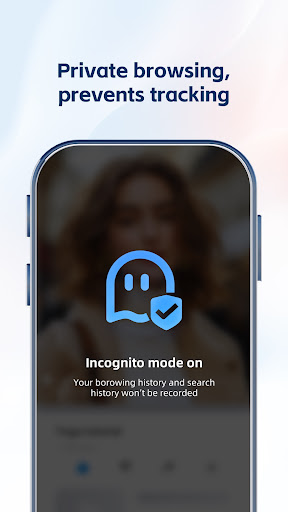
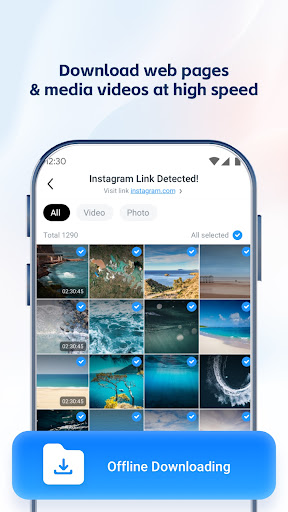
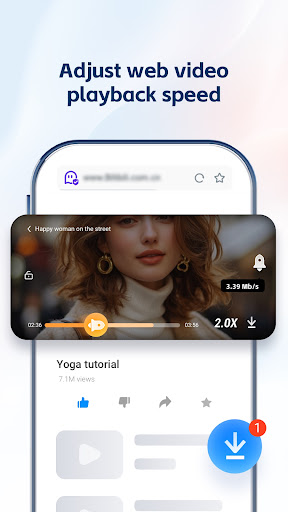
UC Browser-Safe, Fast, Private is a robust communication application designed for Android users seeking an efficient and secure web browsing experience. Developed by UCWeb Singapore Pte. Ltd., this app focuses on delivering speed, privacy features, and a user-friendly interface for navigating the internet on mobile devices.
Boasting over a billion installs and a high user rating, the browser emphasizes secure connections and optimized data usage. Users looking to enhance their mobile browsing with a feature-rich and reliable tool can download the latest version of UC Browser-Safe, Fast, Private here.
Is UC Browser-Safe, Fast, Private free?
Yes, UC Browser-Safe, Fast, Private is available as a free download for Android devices. It provides its core browsing functionalities without requiring a direct purchase.
Is this APK safe to install?
While the app itself is legitimate, downloading APKs from unverified third-party sources can introduce security risks. For optimal safety, it is always recommended to download apps from official stores like Google Play or trusted app directories that verify file integrity.
How do I install the APK?
To install an APK file, you typically need to enable the 'Install unknown apps' or 'Unknown sources' option in your Android device's security settings. After downloading, locate the APK file in your device's file manager and tap it to start the installation process.
What's new in the latest version?
The latest version, denoted as VARY, generally includes routine updates such as performance optimizations, stability improvements, and minor feature refinements to enhance the overall user experience. Specific details for each VARY update are usually provided by the developer.