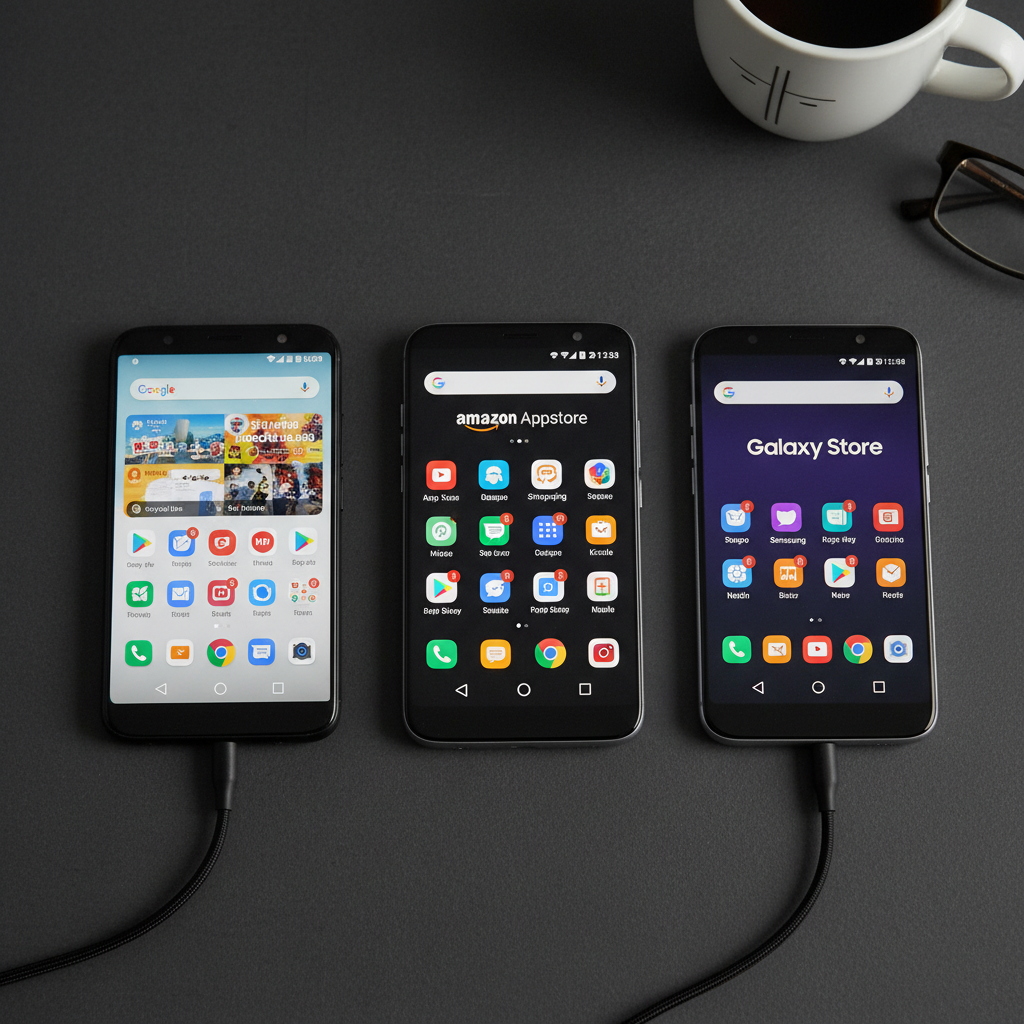
If you sideload Android apps, you have weighed the big three at some point: APKPure, APKMirror, and Aptoide. They are the names that dominate searches for safe APK downloads, and each takes a different approach to trust. That matters more than it sounds. Kaspersky reported blocking tens of millions of mobile malware, adware, and riskware attacks in one year, and a notable share of mobile infections trace back to third-party download sources. APKPure itself made headlines in 2021 when its own client app was found shipping a malicious SDK that acted as a trojan dropper. Where you download is a security decision, not a convenience one.
This comparison looks at APKPure, APKMirror, and Aptoide on the things that actually decide safety: how they verify files, whether they pin developer signatures, how they handle older versions, and what they bundle into the download. We also explain where APK Store fits and why its verification model is the wedge.
The frustration most people share is real. One source has a malware history, another is fast but selective, a third is open but uneven, and search ads constantly push fake "download" buttons that lead somewhere worse. Picking a safest default removes that daily guesswork.
Quick Comparison of the Main APK Sources
| Source | Signature Pinning | Malware Scanning | Old Versions | Best For |
|---|---|---|---|---|
| APK Store | Yes, every file | Yes, before publish | Yes, with history | Verified, no-watermark downloads |
| APKMirror | Yes, strict | Manual review | Yes, extensive | Verified original apps |
| APKPure | Claimed | Automated | Yes | Wide catalog, region apps |
| Aptoide | Per-store, varies | Automated | Yes | Independent app stores |
The Challenges of Judging an APK Source
Comparing download sources is harder than comparing apps, because the risks are not on the surface. These are the issues that decide real safety.
A clean reputation can change overnight
APKPure's 2021 SDK incident shows that even a popular source can be compromised through its own supply chain. Past trust is not a permanent guarantee, which is why signature verification on every file matters more than brand familiarity.
Open upload models vary in quality
Aptoide lets independent operators run their own stores. That openness is a strength for selection and a weakness for consistency, because verification depends on the individual store rather than one central standard.
Fake download buttons and bundled installers
The biggest day-to-day threat is not the source itself but the ad-injected fake buttons and wrapper installers around it. A file is only as clean as the exact bytes you download, not the logo on the page.
APK Store: Verification as the Default
APK Store is built around one idea: every file is signature-pinned and malware-scanned before it ships, and it carries a visible Verified badge. There are no watermarks, no forced subscriptions, and no cracked apps. It keeps version history so you can roll back safely, and it leans into a regional and Urdu and Pakistan focus alongside global apps.
Advantages: signature-pinning on every file, pre-publish malware scanning, clean no-watermark downloads, full version history, and a regional catalog many global mirrors ignore. For apps you can trust at a glance, browse the Verified library or jump straight to a listing like the WhatsApp page.
APKMirror: The Gold Standard for Original Apps
APKMirror, run by the team behind Android Police, has long been the reference point for trustworthy APKs. Its strength is rigorous verification: it cryptographically checks that every upload is signed by the original developer and refuses files that are not. It does not host paid apps and does not allow modified or cracked builds.
Strengths: strict signature verification, a deep archive of historical versions, and a strong no-modified-apps policy. Limitations: the catalog is intentionally limited to original, free, and verifiable apps, so region-specific or niche apps may be missing, and there is no in-app store client in the way competitors offer.
APKPure: Wide Catalog With a Cautionary History
APKPure offers one of the broadest catalogs, including region-locked apps and bundle formats like XAPK. It is fast and convenient. The asterisk is its 2021 incident, when its own Android client was found distributing malware through a tainted SDK, which the company addressed but which remains a reason for caution.
Pros: very large selection, strong support for split and bundle formats, and good availability of region-restricted apps. Cons: a documented past security incident with its client, and a verification model that leans on automation rather than the strict manual signature checks APKMirror is known for.
Aptoide: Open Stores, Uneven Guarantees
Aptoide takes a decentralized approach: anyone can run a store within its platform, which creates a huge and varied catalog. It applies automated scanning and a trust system, but because individual stores set their own contents, quality and safety differ from one store to the next.
Benefits: enormous selection, independent and regional stores, and a long-running platform. Drawbacks: verification consistency depends on the specific store, the open model has historically attracted lower-quality or risky uploads, and you carry more responsibility to check each file yourself.
Which APK Source You Should Trust by Default
Match the source to your priority. If you want verification handled for you on every file, with clean downloads, version history, and a regional catalog, APK Store is the default. If you want a long-trusted archive of original, unmodified apps and do not mind a narrower catalog, APKMirror is excellent. If you need the widest possible selection and will verify files yourself, APKPure and Aptoide give reach at the cost of doing more of the checking on your end. Whatever you pick, the rule does not change: confirm the developer signature, scan the file, and read the permissions before installing. Our guide on verifying an APK is safe works for downloads from any of these. The safest default is the one that does the verification before the file ever reaches you.
Frequently Asked Questions (FAQs)
Is APKPure safe to use in 2026?
APKPure is usable but carries a cautionary history after its own client shipped a malicious SDK in 2021. Treat it as a wide catalog where you still verify each file yourself by checking the signature and scanning the download before installing.
Is APKMirror or APKPure more trustworthy?
APKMirror is generally the stricter choice, because it cryptographically verifies every upload is signed by the original developer and bans modified apps. APKPure has a broader catalog but a lighter, more automated verification model and a past security incident.
What makes Aptoide different from the others?
Aptoide is decentralized: independent operators run their own stores on the platform. That gives a huge, varied catalog, but verification consistency depends on each store, so you carry more responsibility to check files than on a centrally verified source.
Which APK source has the safest verification?
Sources that signature-pin and malware-scan every file before publishing, such as APK Store, and strictly verify original signatures, such as APKMirror, offer the strongest verification. Always pair any source with your own signature and malware checks.
Do these sites host cracked or paid apps?
APKMirror and APK Store do not host cracked or modified apps. APKPure and Aptoide focus on free and region apps but have broader, more open models. Avoid any listing offering paid apps for free, as those are common malware carriers.