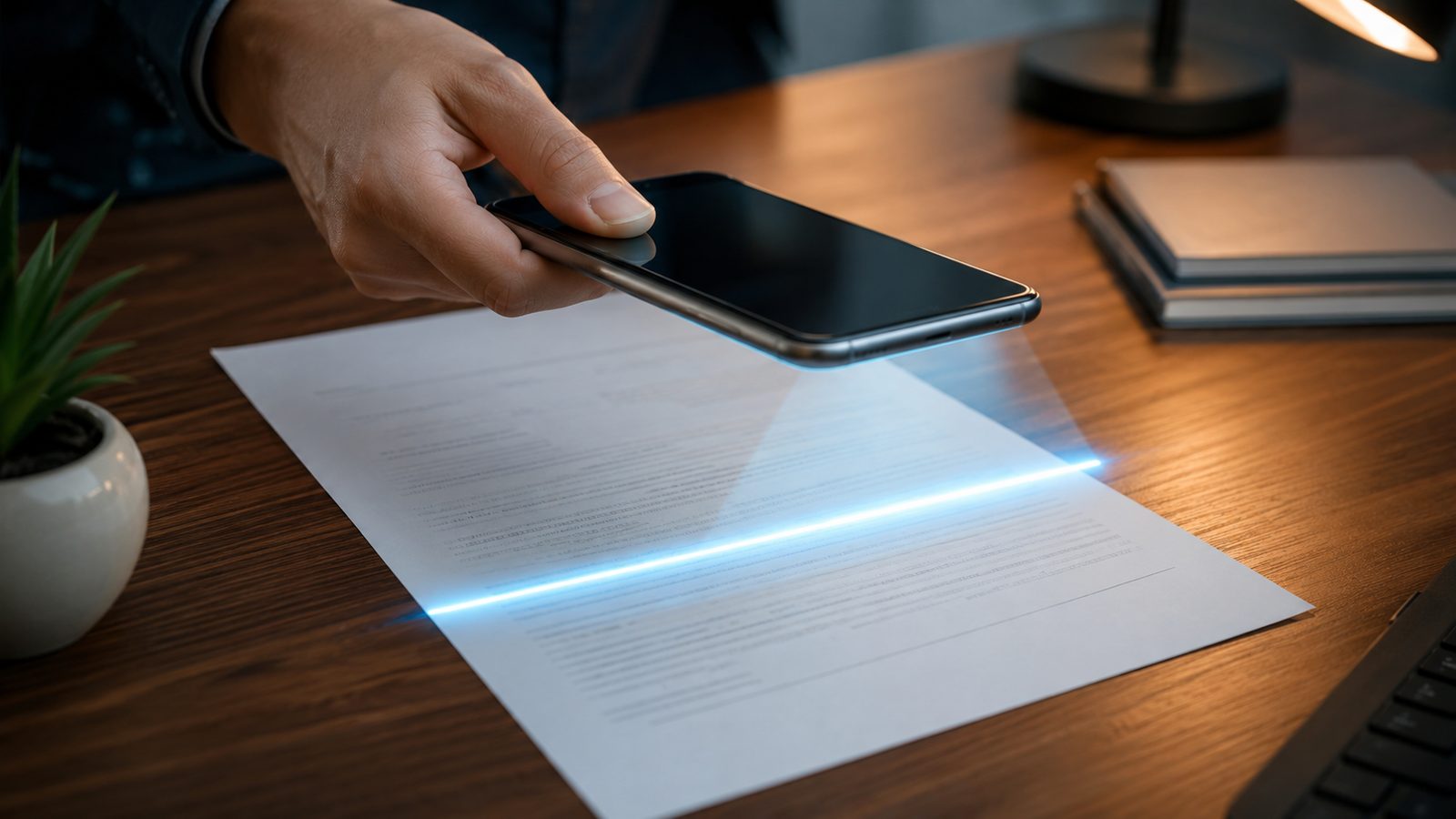
Paper has not disappeared, but scanning it has moved entirely into people’s pockets. The global mobile scanner apps market was valued at USD 1.62 billion in 2026, projected to grow at an 18.62% CAGR to USD 7.55 billion by 2035, driven almost entirely by phone cameras replacing desktop scanners for everyday paperwork.
That growth has attracted a familiar problem. Consumers are actively pushing back on subscription creep everywhere, and 47% of consumers actively canceled at least one subscription service in 2026, up from 31% in 2024, according to Zuora’s Subscription Economy Index. Document scanner apps are one of the more aggressive categories for this: a tool that just needs to turn a photo into a PDF routinely asks for $50 a year before it will let you export a clean, unwatermarked page.
Finding a document scanner app without a subscription runs into a few consistent problems: free tiers that stamp a visible watermark on every page, OCR that only shows text inside the app instead of letting you copy or export it, page or file caps that reset monthly, and pricing pages that never mention the free tier limits up front. The 10 apps below were checked against their own store listings and official pricing pages so you know exactly what “free” includes before you install anything.
The Real Challenges With “Free” Scanner Apps
Every one of these apps advertises a free download. What that free tier actually includes is where most people get caught out.
- Watermarks on export. CamScanner and TapScanner both add a visible watermark to every scan until you pay, which makes the free tier unusable for anything you plan to send someone else.
- Preview-only OCR. Some apps let you see recognized text on screen but block copying or exporting it without a subscription, which defeats the point of scanning a document in the first place.
- Vague in-app purchase ranges. A Play Store listing showing $4.99 to $49.99 in in-app purchases is a signal of a subscription funnel, not a one-time unlock.
- Cloud-gated features. Dropbox and Genius Scan both keep basic scanning free but move OCR specifically behind a paid cloud tier.
- Apps you already have. Google Drive and Dropbox both scan documents natively, so installing a separate app is sometimes solving a problem you do not have.
Quick Comparison: Document Scanner Apps Without a Subscription
| App | Free / No-Sub? | OCR? | Export (PDF/JPEG) | Open Source? |
|---|---|---|---|---|
| OSS Document Scanner (Our Pick) | Yes | Yes, free | PDF/JPEG/PNG | Yes |
| Notebloc | Yes | Yes, free | PDF/JPEG | No |
| Google Drive | Yes | Yes, indirect | PDF/JPG | No |
| OpenScan | Yes | No | PDF/JPG | Yes |
| Adobe Scan | Yes, capped | Yes, 5 pages/file | No | |
| Genius Scan | Yes, no OCR | No, paid only | PDF/JPEG | No |
| Dropbox | Yes, no OCR | No, paid plans | PDF/PNG | No |
| SwiftScan | Partial | No, paid | PDF/JPG | No |
| TapScanner | No, watermarked | Limited, paid | PDF/JPEG | No |
| CamScanner | No, watermarked | Preview only | PDF/JPEG | No |
1. OSS Document Scanner
OSS Document Scanner, built by developer Akylas, is a fully open source document scanner with no ads and no in-app purchases. It runs OCR using the offline, open source Tesseract models, which means text recognition happens on your device and works without an internet connection or a paid tier.
Best for: Anyone who wants OCR, PDF export, and cloud backup without ever seeing a paywall or a watermark.
Price: Free
- Fast camera scan with automatic edge detection and bulk import
- Offline OCR into searchable PDFs, in multiple languages
- Export to PDF, JPEG, or PNG, plus optional PDF password protection
- Free sync via WebDAV, Google Drive, or OneDrive; no forced account
Perks
- The only app on this list that scores a yes on every column: free, OCR, export, and open source
- No ads, no tracking, and no subscription funnel anywhere in the app
- Actively maintained, with source code publicly auditable on GitHub
Pitfalls
- Smaller install base and fewer reviews than mainstream scanner apps
- Interface is functional rather than polished compared to Adobe Scan or CamScanner
2. Notebloc
Notebloc, made by a stationery company in Barcelona, keeps every core feature free, including OCR in 18 languages with no page limits and no watermark. The only paid option is an in-app purchase to remove ads, which does not affect scanning, OCR, or export in any way.
Best for: Readers who want full OCR without paying, and do not mind a small ad banner in exchange.
Price: Free (optional ad-removal purchase)
- Unlimited scans and batch scanning for multi-page documents
- OCR text extraction in 18 languages, no subscription required
- Highlighting, circling, and markup tools on top of finished scans
- No watermark on any export, free or paid
Perks
- Full OCR included free, unlike Adobe Scan, Genius Scan, or Dropbox
- No document limits or forced monthly caps
- Clean, modern interface that is easy to pick up immediately
Pitfalls
- Shows ads unless you pay for the one-time ad removal
- Not open source, so its privacy practices cannot be independently audited
3. Google Drive
If you already have a Google account, Google Drive can scan documents directly with no extra download. Tap the camera icon in the Drive app to capture, crop, and save a page as a PDF or JPG straight into your Drive storage.
Best for: Anyone who wants zero new apps and already lives inside the Google ecosystem.
Price: Free
- Automatic edge detection with manual or automatic capture
- Crop, rotate, filter, and stain-cleanup tools before saving
- OCR available by right-clicking a saved file and choosing “Open with Google Docs”, which extracts editable text below the original image
- Saves straight to Drive storage, no separate account needed
Perks
- Nothing new to install if you already use Google Drive
- OCR is genuinely free, not capped by page count
- Files sync automatically across every device signed into the account
Pitfalls
- OCR is a two-step workaround, not a built-in button in the scan flow
- Files under 2MB and 10 PDF pages get the most reliable OCR results
4. OpenScan
OpenScan is an open source document scanner focused on privacy, available on both the Play Store and F-Droid. It has no ads, no analytics, and no in-app purchases of any kind, since the project is fully community maintained.
Best for: Privacy-focused readers who want a simple scan-to-PDF tool with zero monetization.
Price: Free
- Edge detection and perspective correction on capture
- Import from gallery in addition to live camera scans
- Filters and cropping tools before exporting
- Export and share as PDF or JPG with no watermark
Perks
- Completely free with no ads, tracking, or IAPs anywhere in the app
- Fully open source and auditable on GitHub
- Available through F-Droid for readers who avoid the Play Store
Pitfalls
- No built-in OCR at all, as of the app’s current release
- Fewer editing tools than commercial scanner apps
5. Adobe Scan
Adobe Scan is free to use, with the free tier capping OCR at 5 pages per file and cloud storage at 5GB. A Premium subscription raises the OCR cap to 100 pages per file, adds 20GB of storage, and unlocks exporting to Word, Excel, or PowerPoint.
Best for: Occasional scanners who rarely need OCR on documents longer than a few pages.
Price: Free (Premium subscription optional, priced around $9.99/month)
- Automatic edge detection with color, grayscale, and black-and-white modes
- OCR text recognition, free up to 5 pages per file
- Scans saved automatically to Adobe Document Cloud
- Combining multiple scans into one PDF requires Premium
Perks
- Backed by Adobe, with frequent updates and strong document handling
- Free OCR is genuinely usable for short receipts, IDs, and single pages
- No visible watermark on free exports
Pitfalls
- 5-page OCR cap makes longer documents a paid-only feature
- Combining scans into one PDF is locked behind Premium
6. Genius Scan
Genius Scan’s free tier is unusually generous for scanning itself: unlimited scans, no watermark, and no page limits. The catch is that OCR is entirely locked behind the paid Ultra tier at $39.99 a year, along with cloud sync and PDF encryption.
Best for: Readers who just need clean, unlimited PDF scans and do not need searchable text.
Price: Free for scanning; Ultra subscription $39.99/year for OCR and cloud sync
- High-resolution scanning with perspective correction, free and unlimited
- Multi-page PDF creation with tags and smart renaming
- Email export and integration with major cloud providers, free
- OCR, PDF/A format, and Genius Cloud sync require the Ultra plan
Perks
- No watermark and no page cap on the free scanning tier
- Long track record and a developer, The Grizzly Labs, that is transparent about pricing
Pitfalls
- OCR is entirely paid, with no free-tier text recognition at all
- Cross-device sync also requires the paid Ultra plan
7. Dropbox
Dropbox’s mobile app includes a built-in document scanner that saves a page as a PDF or PNG, free for every account tier. OCR, however, is reserved for Professional, Standard, Advanced, and Enterprise plans, not the free Basic tier.
Best for: Existing Dropbox users who just need quick scan-to-PDF without OCR.
Price: Free (OCR requires a paid Dropbox plan)
- Scan directly from the Dropbox mobile app, no extra download
- Add pages, reorder, and apply filters before saving
- Single-page scans save as PDF or PNG; multi-page scans save as PDF
- Searchable-text OCR is a paid-plan feature only
Perks
- Nothing new to install for existing Dropbox users
- Scan-to-PDF itself is genuinely free, no trial or watermark
Pitfalls
- No free OCR at all, unlike Notebloc or OSS Document Scanner
- Requires a Dropbox account, which not everyone already has
8. SwiftScan
SwiftScan, formerly known as Scanbot, is free to download with basic scanning included. OCR, however, sits behind an in-app purchase: $5.99 unlocks OCR, search, editing, and signatures, with higher tiers adding auto-upload and cloud sync.
Best for: Readers who only need quick PDF/JPG scans and do not need text extraction.
Price: Free; OCR unlock from $5.99
- Fast edge detection and 200 DPI+ scan quality, free
- QR code scanning and basic fax capability included free
- OCR runs on-device rather than in the cloud, once purchased
- Cloud auto-upload to Dropbox, Google Drive, and OneDrive at higher tiers
Perks
- Core scanning is genuinely free with no forced trial
- On-device OCR processing once unlocked, rather than cloud-based
Pitfalls
- OCR and cloud sync both require paying, unlike Notebloc or OSS Document Scanner
- Tiered in-app purchases can be confusing to compare against a flat subscription
9. TapScanner
TapScanner’s Play Store listing shows in-app purchases ranging from $4.99 to $49.99, a wide range that reflects a subscription-first design. The free tier works but adds a watermark to exports and limits advanced OCR to the paid plan.
Best for: Readers who are comfortable with a 3-day trial and plan to pay for the annual plan.
Price: Free with watermark; premium from roughly $49.99/year
- Automatic edge detection and image enhancement, free
- Basic OCR included, with advanced recognition reserved for premium
- Cloud sharing available on the free tier
- Watermark removal requires the paid plan
Perks
- Core scan-and-share flow works without paying anything upfront
- Includes a short free trial before the subscription charges
Pitfalls
- Watermark on every free export makes documents unusable for sharing
- Wide in-app purchase range signals an aggressive upsell funnel
10. CamScanner
CamScanner is the best-known name in this category and also the most subscription-heavy. The free tier adds a “scanned with CamScanner” watermark to every export and only shows OCR text inside the app, not as exportable text, until you subscribe.
Best for: Readers who specifically want CamScanner’s name recognition and plan to pay $49.99/year or $4.99/week for Premium.
Price: Free with watermark; Premium $49.99/year or $4.99/week
- 200MB of free cloud storage and basic camera scanning
- OCR preview inside the app, exporting requires Premium
- Full-resolution PDF export, e-signatures, and 10GB storage on Premium
- Batch scanning is limited in page count on the free tier
Perks
- Widely recognized brand with a long update history
- Premium, if purchased, adds genuinely useful editing and signature tools
Pitfalls
- Watermark on every free export defeats the purpose for most use cases
- OCR text cannot be exported at all without paying
- Weekly billing option works out far more expensive than the annual plan over time
How to Pick a Document Scanner App You Won’t End Up Paying For
Decide whether you actually need OCR before comparing apps. If you only need a clean PDF or JPG, Google Drive, Dropbox, or Genius Scan’s free tier covers that without any subscription risk.
If OCR matters, check the specific limit rather than trusting the word “free” on the store listing. Notebloc and OSS Document Scanner give unlimited OCR at no cost; Adobe Scan caps it at 5 pages per file; Genius Scan and Dropbox do not include it free at all.
Treat a watermark on the free tier as a hard stop for anything you plan to send someone else. CamScanner and TapScanner both fall into this category, and neither is worth installing unless you already intend to pay.
Favor open source options when privacy matters as much as price. OSS Document Scanner and OpenScan are both auditable on GitHub and carry no ads, no tracking, and no in-app purchases at all.
Once a document is scanned, where it lives matters too; see best note apps to file your scans for a comparison of the two leading options. And if a scanner app is nudging you toward a paid plan, our subscription tracker roundup helps you avoid scanner-app subscription traps along with everything else you are paying for.
If storage and RAM are also a concern on the phone doing the scanning, pairing a lean scanner app with the rest of a lighter setup helps; see our list of lightweight Android apps for old phones for more picks that respect limited storage.
It sits alongside the rest of our Best Apps roundups, each of which names its constraint up front and ranks against that first.