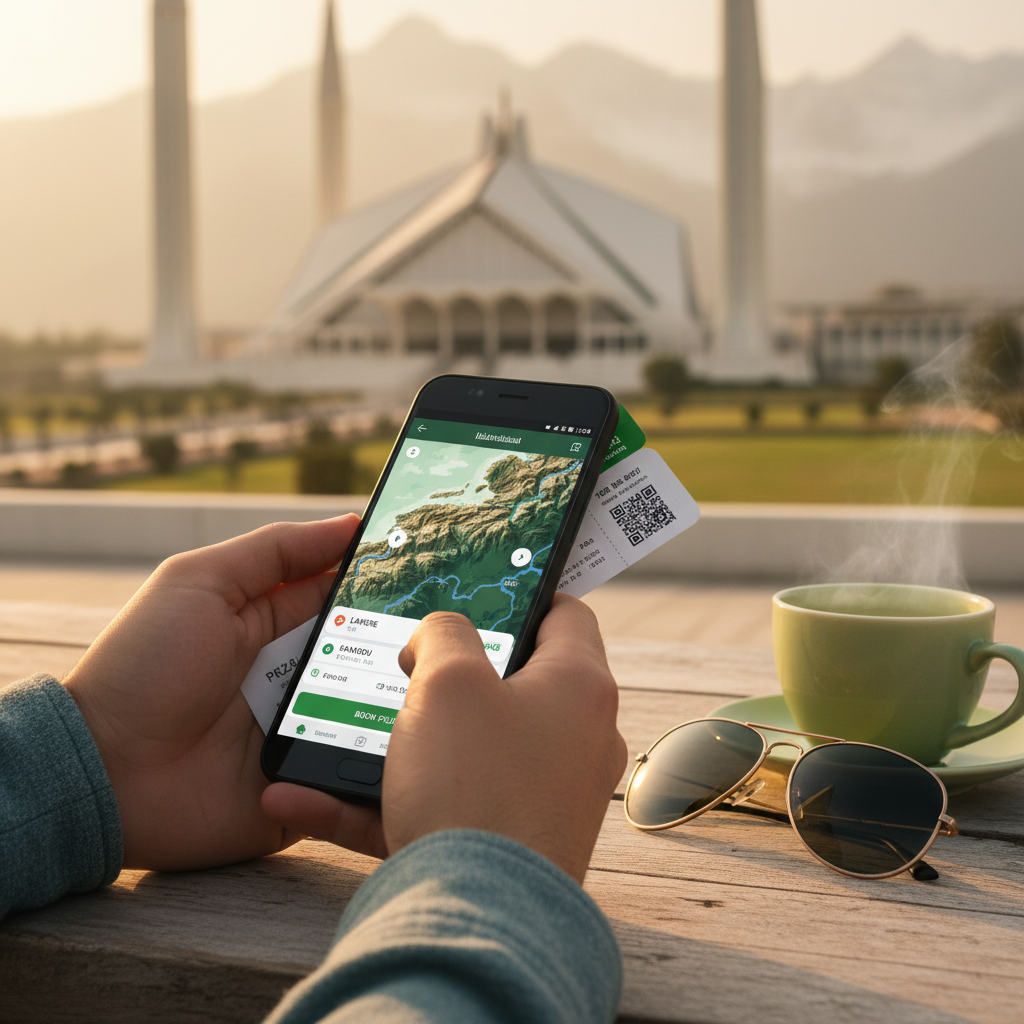









Whether you're planning a trip within Pakistan or traveling abroad, the right mobile apps can transform your journey from stressful to seamless. This guide covers the 10 best travel apps for Android users in Pakistan—chosen for reliability, ratings, and real-world usefulness on Pakistani networks and across major destinations.
1. Booking.com: Hotels & Travel
Booking.com is the gold standard for finding and booking accommodations worldwide. With 500M+ installs and a 4.8 rating, it works flawlessly even on slower connections in Pakistan. Search by budget, location, or amenities, read verified guest reviews, and book instantly with flexible cancellation options. One honest note: free cancellation isn't guaranteed on all rates—always read the fine print before committing.
2. Skyscanner Flights Hotels Cars
Skyscanner aggregates prices across 1,000+ travel sites, making it essential for finding cheap flights from Islamabad, Karachi, or Lahore to anywhere. Its 4.78 rating reflects solid search and filter tools, plus price alerts that notify you when fares drop. The catch: Skyscanner shows the lowest price but redirects you to book on the partner site—so compare final totals including taxes.
3. Google Maps Go
Google Maps Go is the lightweight version of Google Maps, perfect for Android devices with limited storage or RAM. It still gives you real-time traffic, offline maps, and local search—essential when roaming in rural Pakistan or traveling abroad without data. The tradeoff: fewer fancy features than full Google Maps, but faster and more reliable on older phones.
4. Airbnb
Airbnb lets you book unique homes, villas, and local stays—a great alternative to hotels if you want a kitchen or longer-term flexibility. With a 4.54 rating and 100M+ installs, it's especially popular for family trips and digital nomad stays. Heads up: host cancellations and "verified" properties sometimes disappoint—read recent reviews and host feedback carefully.
5. WiFi Map: Free Wi-Fi Near You
WiFi Map crowdsources free WiFi locations, password sharing, and signal strength maps—invaluable for travelers on tight data budgets. Its 4.30 rating reflects its offline hotspot finder and eSIM support. The reality: not every WiFi hotspot listed is current or secure, so avoid banking or sensitive logins on public networks.
6. ConfirmTkt: Train Booking App
ConfirmTkt is the easiest way to book IRCTC trains for trips to India—Pakistan's closest major railway network. With a 4.71 rating, it simplifies IRCTC login, shows PNR status, and suggests alternate travel plans if your train is full. Caveat: it's primarily for Indian trains, not Pakistani railways.
7. Wego - Flights, Hotels, Travel
Wego is a lighter-weight flight and hotel search engine that works well on slower networks. It shows upfront pricing across hundreds of sites with a 4.36 rating. Unlike Booking.com, it's more price-focused than review-focused, so use it for comparisons but read customer reviews elsewhere before booking.
8. Flightradar24 Flight Tracker
Flightradar24 lets you track any aircraft in real time—useful for monitoring delays before heading to the airport or satisfying travel curiosity. Its 4.50 rating and 100M+ installs make it reliable, and the free tier is powerful enough for most travelers. The limitation: some advanced features require a paid subscription.
9. Google Earth
Google Earth is a visual way to explore destinations before you arrive—zoom into neighborhoods, see landmarks, and plan activities. With 500M+ installs and a 3.74 rating, it's best used for research rather than real-time navigation. It's slower than Google Maps but more immersive for wanderlust planning.
10. GPS Photo: With Location & Map
GPS Photo automatically tags your travel photos with location, weather, and maps—perfect for a travel journal or remembering where you took that shot. Its 4.09 rating makes it reliable, and the app is lightweight. Note: GPS accuracy depends on your phone's GPS chip and clear sky view, so don't rely on it in tunnels or heavily built-up areas.
Common Challenges
Travel apps often come with hidden costs—subscription upsells for premium features (price alerts, offline maps), data drain on slower networks, and privacy permissions that collect more data than necessary. WiFi apps sometimes list outdated hotspots, and booking sites may show different final prices than what you see in search results after taxes and fees. On low-end Android devices, some apps like Google Earth run slowly. Pakistani internet can be unreliable in remote areas, so download offline maps and data before traveling. Always verify current ratings and recent reviews before installing—app quality shifts with updates.
Safe Installation
Install all travel apps from the official Google Play Store via APK Store or your phone's Play Store app. If prompted, enable "Install from unknown sources" temporarily only if absolutely necessary, then disable it immediately after. Keep your apps and OS updated for security patches.
So, Which One Is Best?
There's no single "best" travel app—it depends on your trip type, budget, and device. Booking.com + Google Maps Go cover 80% of needs for most travelers. Add Skyscanner for flights, WiFi Map for data emergencies, and ConfirmTkt if you're visiting India. Check current ratings and recent user reviews before installing—app ecosystems evolve fast, and what works today may not work next month.