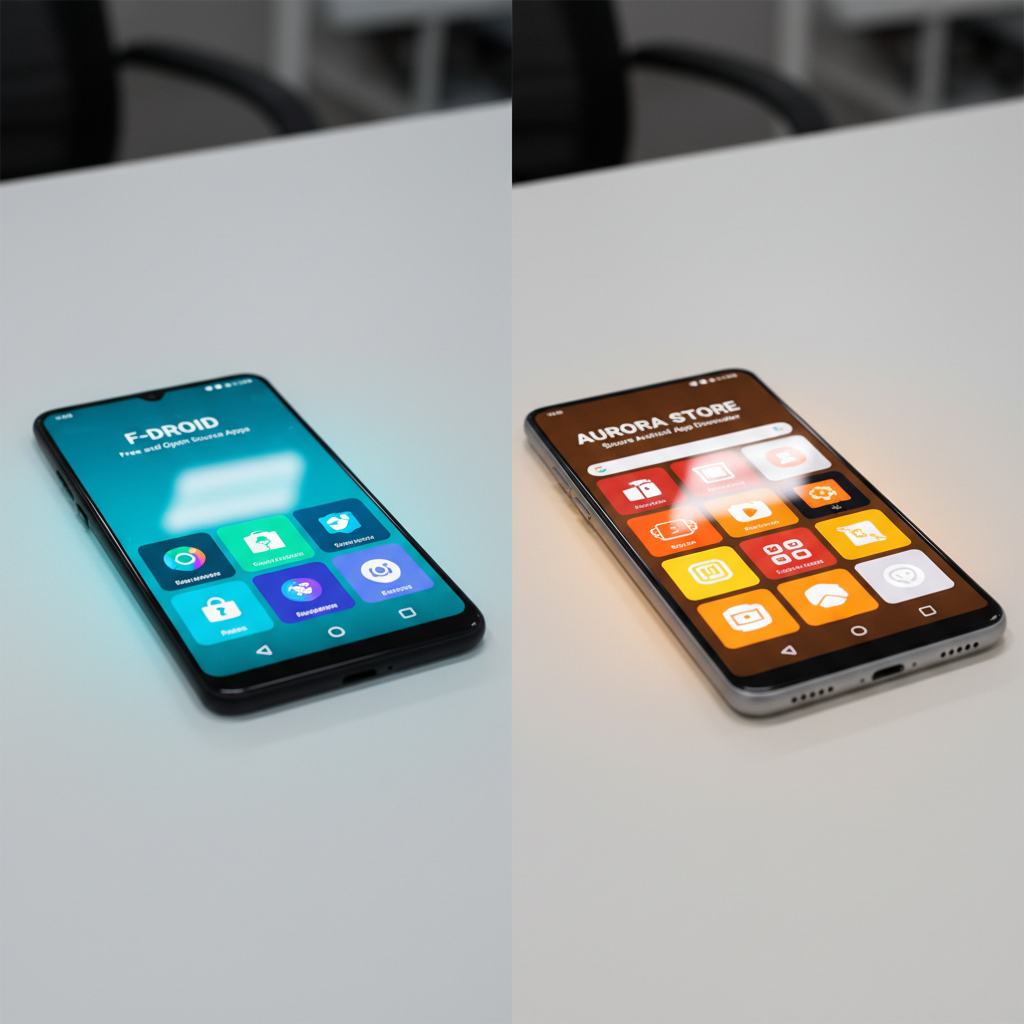
F-Droid and Aptoide both let you install Android apps outside the Play Store, but they sit at opposite ends of the philosophy spectrum. F-Droid is a curated catalog of free and open-source software, building most apps itself from source. Aptoide is an open marketplace where developers and stores publish their own APKs. With Android serving roughly 70% of mobile users worldwide and Google’s own figures showing apps from outside Google Play carry a higher rate of potentially harmful apps, the source you pick genuinely matters.
Choosing between them is not about which is better in the abstract. It is about what you want: maximum trust and privacy, or maximum selection and availability.
The practical problems differ too. F-Droid’s catalog is small and excludes anything with proprietary code, so your favorite app may not be there. Aptoide’s open model means quality and safety vary by uploader, and it has historically hosted modified or repackaged apps. This comparison breaks down trust, catalog, privacy, and updates so you can pick the right one, and explains where a verified store fits alongside both.
| Factor | F-Droid | Aptoide | APK Store |
|---|---|---|---|
| Model | Curated FOSS catalog | Open marketplace | Curated, verified store |
| App types | Open-source only | Any (incl. proprietary) | Curated mix |
| Build trust | Built from source | Uploader-supplied | Signature-pinned + scanned |
| Catalog size | Small, focused | Very large | Curated + growing |
| Privacy | Excellent | Moderate | No injected ads/trackers |
| Price | Free | Free | Free |
Challenges of Choosing an Alternative App Source
Both stores solve a real need, but each comes with caveats you should weigh first.
- Catalog vs trust trade-off: F-Droid is trustworthy but limited; Aptoide is vast but uneven in quality.
- Repackaged apps: open marketplaces can host modified APKs, which raises the risk of a tampered build.
- Update reliability: F-Droid updates lag upstream because apps are rebuilt; Aptoide updates depend on the uploading store.
- Verification effort: with any third-party source, you carry more responsibility for checking signatures and permissions.
What F-Droid Is and How It Works
F-Droid (client package org.fdroid.fdroid) is a catalog of free and open-source apps. Its key trait is that the F-Droid team builds most apps from their public source code and signs them itself, which means the binary matches the code you can inspect.
Strengths
Excellent transparency and privacy: apps are tagged with anti-features like ads or tracking, so you know before you install. Everything is free and open, and there are no accounts or data harvesting.
Limitations
The catalog excludes proprietary apps, so mainstream titles like WhatsApp or banking apps are not there. Updates can trail the developer’s own releases because of the rebuild process.
What Aptoide Is and How It Works
Aptoide (client package cm.aptoide.pt) is a decentralized marketplace. Anyone, from individual developers to community curators, can run a store and publish APKs, which gives it an enormous and varied catalog.
Strengths
Huge selection, including apps unavailable or region-locked on the Play Store, plus older versions. It is popular for finding hard-to-get titles in one place.
Limitations
Because uploads are open, quality and safety depend on the store you download from. Aptoide has historically hosted modified or repackaged apps, so you must check what you install rather than assume it is clean.
Trust and Safety Compared
This is the heart of the decision. F-Droid’s build-from-source model is the gold standard for trust, but only for open-source apps. Aptoide’s model trades that guarantee for selection, which means a higher chance of encountering a tampered or repackaged build if you are not careful about the source store. Neither is automatically unsafe; F-Droid is consistently safe within its niche, while Aptoide is as safe as the specific store and app you choose. The honest takeaway: trust F-Droid by default, and treat Aptoide downloads with the same caution you would any open mirror.
Updates and Maintenance Compared
How you get updates is a practical difference that shapes daily use. On F-Droid, updates flow through the catalog after the team rebuilds the app from new source code, so a release can arrive a little later than the developer’s own build. The upside is that every update is signed with the same trusted key and inherits the same transparency, including the anti-feature labels that warn you if tracking was added.
On Aptoide, updates come from whichever store published the app, so timing and reliability vary by uploader. A well-run store keeps pace with the developer; a neglected one lags or stops. Because the binary is uploader-supplied rather than built from source, you cannot assume an Aptoide update matches the official release unless you check the signature.
This matters for security, not just convenience. Apps ship fixes for vulnerabilities through updates, so an app stuck on an old version keeps known holes open. F-Droid’s consistent signing makes updates safe but sometimes slower; Aptoide’s open model makes them fast but uneven. A verified store sidesteps the trade-off by checking each update against the developer signature before it ships, so you get current builds without guessing.
Privacy in Daily Use
Privacy is where F-Droid pulls clearly ahead. It runs no accounts, collects no telemetry, and labels apps that contain ads or trackers so you decide before installing. For users who want a phone that leaks as little as possible, an F-Droid-only setup is a strong foundation.
Aptoide is more conventional: it can use an account, and the apps you find there carry whatever tracking their developers built in. That is not unusual for proprietary apps, but it means the privacy of an Aptoide install depends entirely on the app, not the store. Reviewing permissions after install is the habit that protects you on any open marketplace.
Where a Verified Store Like APK Store Fits
You do not have to pick only one. APK Store sits between these models: it curates apps like F-Droid but is not limited to open-source, and it signature-pins and malware-scans every build it hosts so you get an Aptoide-style selection with a verification step on top. When you want a proprietary or region-locked app that F-Droid will never carry, a verified store is a safer route than an open marketplace, because the build is checked against the developer signature before it ships. Use F-Droid for open-source, and a verified store for everything else you would otherwise grab from an open mirror.
How to Decide Which Source to Use
Match the source to the app. If the app you want is open-source and listed on F-Droid, use F-Droid: it is the most trustworthy and private option available. If you need a proprietary, region-locked, or older app that F-Droid does not carry, an open marketplace like Aptoide will probably have it, but verify the signature and scan the file, or use a verified store that does that for you. For sensitive apps such as banking or payments, prefer the official store version. The deciding question is always whether you can confirm the build is genuine, and which source makes that easiest for the specific app in front of you.
For proprietary and region-locked apps F-Droid will not carry, browse our verified, scanned downloads instead of an open mirror.
Frequently Asked Questions (FAQs)
Is F-Droid safer than Aptoide?
For the apps it carries, yes. F-Droid builds most apps from public source code and signs them itself, so the binary matches the code. Aptoide is an open marketplace whose safety depends on the specific store and app you download.
Why is my favorite app not on F-Droid?
F-Droid only lists free and open-source software. Proprietary apps like WhatsApp, Instagram, and most banking apps are excluded by policy, so you need another source for those.
Does Aptoide contain malware?
Not inherently, but its open upload model means some stores have hosted modified or repackaged apps. Always verify the developer signature and scan the file, or use a source that does this verification before shipping the build.
Can I use F-Droid and Aptoide together?
Yes. Many users run F-Droid for open-source apps and a separate source for proprietary or region-locked titles. They do not conflict, since each just installs APKs onto your device.
What is the safest way to get a proprietary app outside the Play Store?
Use a source that signature-pins and malware-scans its builds, such as APK Store, rather than an open mirror. That gives you the selection of a marketplace with a verification step that confirms the build matches the genuine developer release.