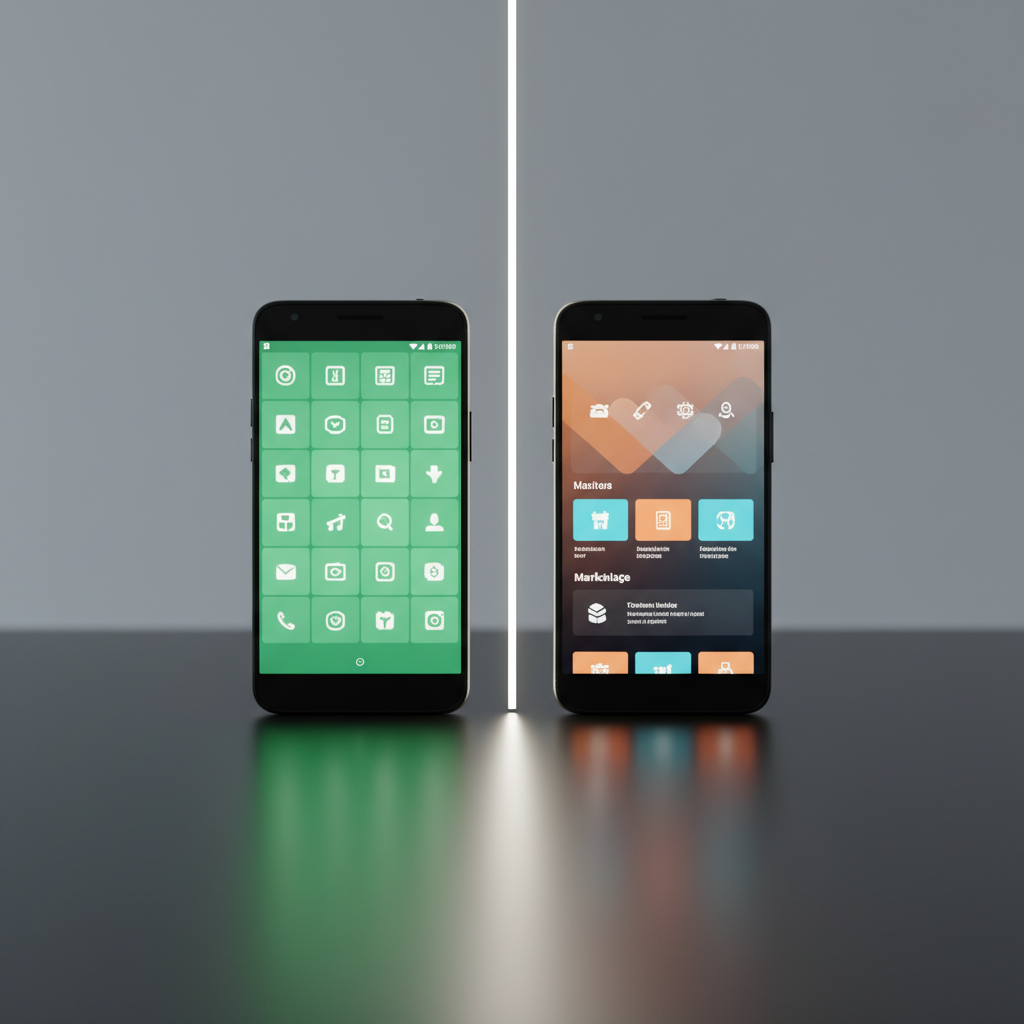
The EU’s Digital Markets Act has pushed alternative app stores from a niche habit into mainstream news, forcing even closed platforms to open up to third-party marketplaces. On Android, the freedom to install apps from outside the Google Play Store has existed for years.
That freedom comes with a catch, because not every app source is safe. Downloading from an unverified platform can expose your device to malware and data theft, since many third-party stores skip the vetting that official channels enforce. A single compromised app can slip through.
So your choice of app source is a security decision, not just a preference. This guide compares the main players in the F-Droid vs Aptoide debate, weighs the other sources worth knowing, and points you to the safest place to download your Android apps.
| App Source | Best For | Key Features | Pricing |
|---|---|---|---|
| APK Store | Security-conscious users seeking verified-clean, signature-pinned APKs. | Signature-pinning verification, malware scanning, version history, no cracked apps. | Free |
| F-Droid | Privacy advocates dedicated to Free and Open Source Software (FOSS). | FOSS-only apps, no tracking, reproducible builds, no user account required. | Free |
| Aptoide | A massive app catalog with region-free content and older versions. | Decentralized stores, ‘Trusted’ badge for scanned apps, version rollback. | Free |
| APKPure | Region-locked apps and early access to updates. | Vast library, signature verification, community reviews, VirusTotal scans. | Free |
| APKMirror | Original, untouched APKs straight from developers. | Cryptographic signature verification, no modified APKs, split APK installer. | Free |
| Uptodown | Older app versions for compatibility on a multilingual platform. | Deep app archive, malware scanning before publication, global language support. | Free |
| Aurora Store | Account-free, anonymous access to the Google Play catalog. | Anonymous Google Play access, no Google account, open-source client, tracker filtering. | Free |
Key Challenges in Using Third-Party App Stores
Alternative app stores offer clear benefits, but they carry real risks. Know these before you sideload anything.
- Malware and spyware exposure: The biggest risk is an app bundled with malicious code. Unverified platforms distribute malware, spyware, and adware that steal data or flood your screen with ads, so an apk malware check matters before you install.
- Weak vetting: Most third-party stores vet apps less rigorously than Google Play. That gap lets harmful apps reach their libraries and your device.
- Modified or fake apps: Some stores host apps altered from the original. These versions hide everything from unwanted ads to spyware that harvests login credentials and banking details.
- Device and OS compatibility: An APK may not match your device model, Android version, or CPU architecture (for example, ARM64 versus x86), so the app crashes or refuses to install.
- In-app purchases and subscriptions: Apps installed from outside Google Play often cannot process Play billing, which breaks the paid upgrades and subscriptions you expect to work.
- The Google Play Protect warning: Android shows a Google Play Protect warning when you sideload, and that alert can feel intimidating even when the file is safe.
- App discovery and curation: A large catalog is not the same as a good one. Without strong curation, finding a trustworthy, useful app is harder than on an official store.
- Missed updates: Third-party apps often need manual updates. Skip them and you run outdated software with known vulnerabilities that attackers exploit.
- Privacy breaches: Malicious or sloppy apps transmit sensitive data without consent, including contacts, messages, and location history.
1. APK Store
APK Store puts security first. Every APK passes a two-step check: cryptographic signature pinning confirms it matches the developer’s original release, and a malware scan clears it before it ships. You get clean, unmodified apps with no watermarks, no forced subscriptions, and no cracked software.
- Best for: Android users who want a reliable source for verified-clean, signature-pinned apps with a clear version history.
- Pricing: Free
Pros
- Signature pinning verifies the authenticity of every app.
- Every APK is scanned for malware before it goes live.
- Fast, direct downloads from our own platform.
- Clean experience with no modified apps, watermarks, or forced subscriptions.
- Clear version history gives you more control.
2. F-Droid
F-Droid is a non-profit, volunteer-run software repository for Free and Open Source Software (FOSS). Every app on the platform publishes its source code for public inspection, which builds transparency and community trust. It suits users who want to de-Google their devices and skip proprietary software, ads, and tracking.
- Best for: Users who value privacy, open-source software, and transparent, community-verified apps.
- Pricing: Free
- Standout features: FOSS-only catalog, no tracking or ads, reproducible builds, and no account required.
Pros
- High privacy and transparency from its FOSS-only model.
- No advertising and no user tracking.
- Source code for every app is open to community auditing.
- Runs independently of Google services.
Cons
- The library is far smaller than mainstream stores.
- It does not host popular proprietary apps like Instagram, Netflix, or most banking apps.
- F-Droid signs all apps, not the original developer, which creates a single point of trust.
- Updates sometimes lag behind other platforms.
3. Aptoide
Aptoide runs a decentralized model where users and developers host their own stores. That approach built a catalog of more than a million apps and a large user base. Aptoide scans apps with automated malware detection, third-party antivirus tools, and a manual review team, then awards a ‘Trusted’ badge to apps that pass. It is a popular pick for geo-restricted titles and older versions you will not find elsewhere.
- Best for: Users who want a wide app selection, including older versions and region-unrestricted content, backed by in-house malware detection and quality review.
- Pricing: Free
- Standout features: Decentralized marketplace, ‘Trusted’ badge for verified apps, version rollbacks, and no geo-restrictions.
Pros
- Massive app selection and a large active user base.
- Strong in-house malware detection plus manual review.
- Excellent for older or region-specific app versions.
- The ‘Trusted’ badge flags apps that passed security scans.
Cons
- It carries a historical reputation for hosting pirated or modified apps, though security has improved.
- Google Play Protect sometimes flags Aptoide or its installations.
- Quality varies across user-managed stores.
- Its security rests on Aptoide’s internal systems, which are less transparent than F-Droid’s open model.
4. APKPure
APKPure is one of the best-known third-party app stores, with a vast library of apps and games. Users go there for region-locked content and early access to updates before an official rollout. The platform verifies apps by matching signatures against official releases and scans files with VirusTotal. It states that it does not modify app code or distribute cracked software.
- Best for: Region-locked apps, early updates, and a broad library of Android apps and games.
- Pricing: Free
- Standout features: Direct APK downloads, a large catalog of popular and niche apps, signature verification (SHA-1), and regular VirusTotal scans.
Pros
- Extensive selection, often including apps missing from Google Play.
- Early access to app updates.
- Signature verification checks app authenticity.
- Useful for power users who sideload or test apps often.
Cons
- It has faced malware distribution incidents in the past, including a trojan dropper found in its own client.
- Its verification is less stringent than official stores or specialized sources.
- Verify files independently when you can.
5. APKMirror
APKMirror focuses strictly on original, untouched APKs. It is less an app store than a repository of files uploaded by trusted users and verified by the APKMirror team. Its core safeguard is cryptographic signature verification, which confirms each update is signed by the same developer as earlier versions and blocks imposters from pushing malicious fakes. Many consider it one of the safest sources for sideloading updates.
- Best for: Users who want original, untouched APKs for sideloading updates or specific versions, with strong cryptographic signature verification.
- Pricing: Free
- Standout features: Original APKs only, signature verification against originals, and an installer app for split APKs.
Pros
- High authenticity and security through rigorous signature verification.
- A trusted source for app updates ahead of official release.
- No modified or cracked APKs.
- Clear details for each app, including architecture and signatures.
Cons
- As a repository, it lacks discovery features like reviews or recommendations.
- Finding the right version for your device (for example, CPU architecture) takes some technical knowledge.
- It has no full client app for browsing and automatic updates.
6. Uptodown
Uptodown, based in Spain, is a global app distribution platform with a large Android catalog and a strong security focus. It scans every app for malware before publication. Its standout feature is a deep archive of older app versions, which helps users roll back an update or run a specific version on an older device. Multilingual support serves a wide international audience, and the platform runs on advertising rather than app sales.
- Best for: Users who want a broad app range, including older versions for compatibility, with strong malware scanning on a multilingual platform.
- Pricing: Free
- Standout features: Malware scanning on every APK, access to previous app versions, and broad multilingual support.
Pros
- Strong security with pre-publication malware scanning.
- A deep archive of older versions aids compatibility and troubleshooting.
- Available in many languages for a global user base.
- Clean, user-first interface.
Cons
- The catalog, though large, can trail APKMirror on the very latest updates.
- The ad-supported model will not suit users who want an ad-free experience.
- App discovery is less intuitive than on curated platforms.
7. Aurora Store
Aurora Store is an open-source client that downloads apps straight from the Google Play catalog without a Google account or Google Play Services. It is a favorite among privacy-minded users who want mainstream Play Store apps while they de-Google their device. Because it pulls from Google’s own servers, the apps are the official builds, and Aurora can filter out apps that carry trackers.
- Best for: Privacy-focused users who want official Google Play apps without a Google account or tracking.
- Pricing: Free
- Standout features: Anonymous Google Play access, no Google account required, open-source client, and tracker filtering.
Pros
- Anonymous access to the full Google Play catalog.
- No Google account or Google Play Services needed.
- Open-source code that the community can audit.
- Pairs well with F-Droid for a fully de-Googled setup.
Cons
- Anonymous shared logins can hit rate limits or fail intermittently.
- It depends on Google’s back end, so changes there can break it.
- Paid apps and some titles are not available through anonymous accounts.
How to Pick the Right App Source for Your Android Device
Your priorities decide the winner. There is no single best source for everyone, so weigh security, selection, and software philosophy.
- If security comes first: Choose a platform that signature-pins and malware-scans every file, like APK Store. APKMirror’s strict cryptographic verification also makes it a safe bet for untouched files.
- If you back open-source software: F-Droid is the clear pick, and Aurora Store complements it for Play Store apps. Both center on privacy, transparency, and a clean, tracker-free experience.
- If you want the widest selection: Aptoide and APKPure carry the largest catalogs, including geo-restricted and obscure titles. Aptoide’s ‘Trusted’ badge adds a security layer, but you still face more risk than with curated repositories.
- If you need a specific older version: Uptodown leads with its deep version archive, with Aptoide and APKPure close behind.
The F-Droid vs Aptoide debate comes down to one trade-off. F-Droid gives you transparency with a limited library. Aptoide gives you massive selection with a security model that asks you to trust its internal processes. Your risk tolerance and app needs decide the winner.
For safety and authenticity, start with a source that verifies first. Browse our library of verified-clean apps and download with confidence. Whatever store you pick, confirm signatures, scan files, and favor official sources when they are available.
Frequently Asked Questions (FAQs)
Is F-Droid safer than Aptoide?
F-Droid rates safer on transparency and privacy because it hosts only open-source software whose code anyone can inspect. Aptoide runs solid internal malware scanning, but its vast, decentralized library and history with modified apps carry a different risk profile. For auditable software, F-Droid wins. For variety with a security layer, Aptoide is a strong contender.
Can I get malware from Aptoide?
Aptoide added real security measures, including a ‘Trusted’ badge for scanned apps, but no third-party store eliminates risk entirely. You can still hit malicious or modified apps, especially in less-vetted user-created stores. Stick to apps with the ‘Trusted’ badge and stay cautious.
How do I safely install an APK from a third-party store?
First, download the APK only from a source that verifies files, such as APK Store. Your device will ask you to allow installs from your browser or file manager, so grant that just for the app you trust. Keep Google Play Protect enabled, confirm the file’s signature matches the developer, and scan it before you open it. Sideloading apps safely comes down to trusting the source and verifying the file.
What is APK signature verification and why does it matter?
APK signature verification checks the cryptographic signature attached to an app and confirms it was built and signed by the real developer. It matters because it blocks tampered or fake apps from impersonating a legitimate one. When a store signature-pins an APK, an update installs only if it is signed by the same key as the original, which stops attackers from slipping in a malicious version.
Is it legal to download APKs from third-party stores?
Installing APK files is a core Android feature and is legal. The picture changes with piracy, such as a paid app handed out for free. Downloading free apps, open-source apps, or apps you already own is generally fine.