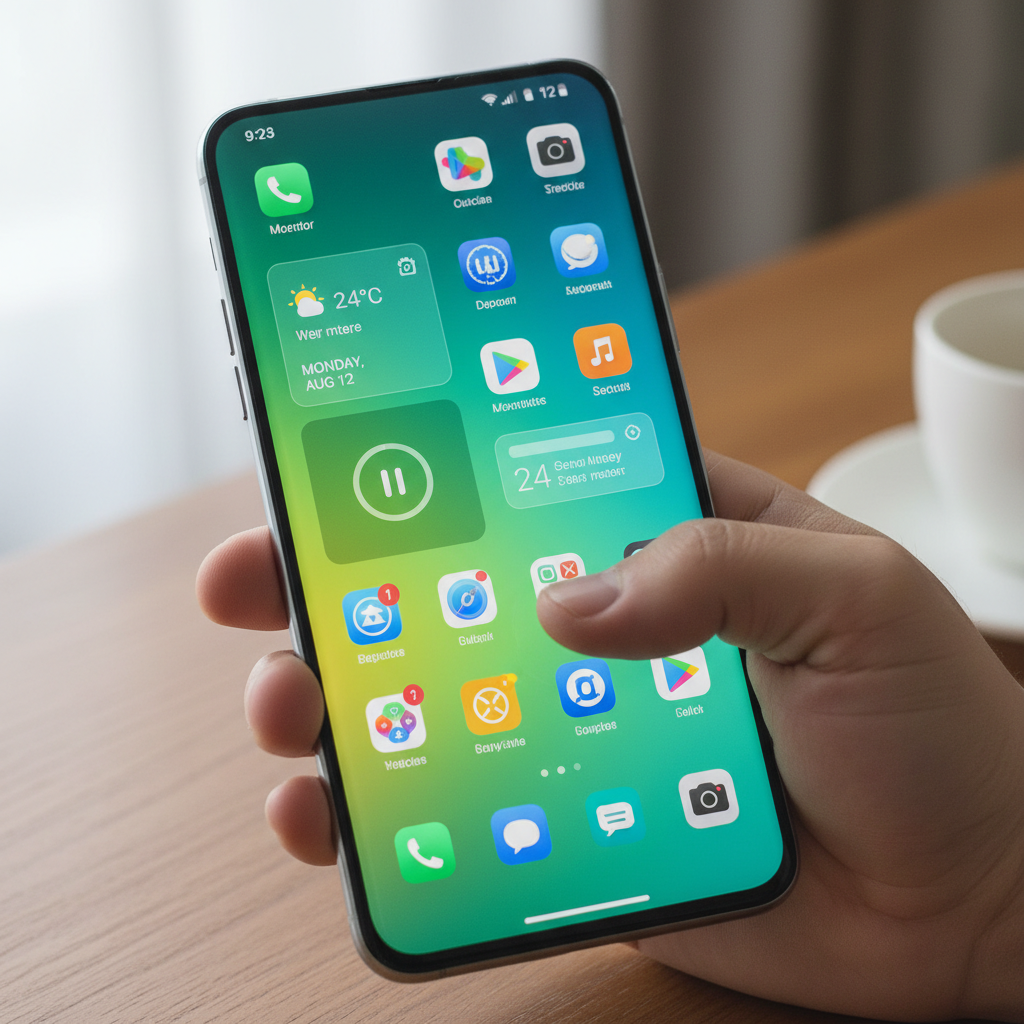
The launcher is the single app you interact with more than any other, because it is your home screen, app drawer, and search bar combined. Android's openness is exactly why launchers exist: unlike rival platforms, Android lets you replace the entire home experience, and that flexibility is a big reason Android holds roughly 70 percent of the global mobile OS market. With billions of active devices and over a billion phones shipping each year, custom launchers are how millions of users make a phone truly their own.
A good launcher does more than rearrange icons. It speeds up navigation with gestures, declutters your home screen, adds powerful search, and on many phones makes an aging device feel fast again. The best ones are highly customizable without slowing your phone down.
Choosing and installing one comes with a few cautions, though. A launcher sees everything you tap, so a trustworthy source matters: a tampered build could harvest usage data. Some popular launchers were also pulled from the Play Store, or hide key features behind paid versions distributed off-Store. This guide ranks ten launchers worth installing in 2026 and points you to clean, verified copies.
Quick Comparison of the Top Android Launchers in 2026
| Launcher | Style | Free Tier | Customization | Best For |
|---|---|---|---|---|
| Nova Launcher | Classic flexible | Yes | Very high | All-round customization |
| Niagara Launcher | Minimal list | Yes | Medium | One-handed minimalism |
| Lawnchair | Pixel-style | Yes (open source) | High | Stock Pixel feel, free |
| Smart Launcher | Adaptive | Yes | High | Auto-sorting and themes |
| Microsoft Launcher | Productivity | Yes | Medium | Microsoft 365 users |
| AIO Launcher | Information feed | Yes | Medium | Data and widgets at a glance |
Challenges of Choosing a Launcher on Android
A launcher touches everything you do on your phone, so picking one carries considerations beyond looks. Keep these in mind.
- Privacy and data access. Launchers can see which apps you open and how often, so a tampered build from an untrusted source could quietly harvest that usage data.
- Paywalled features off-Store. Some launchers gate gestures and theming behind a "prime" version that users hunt for on third-party sites, raising the risk of fake or modified builds.
- Battery and performance. A heavy launcher with constant animations and feeds can drain battery and slow older phones rather than speed them up.
- Default-app friction. Setting and resetting the default home app, or migrating layouts between launchers, can be fiddly and occasionally resets your home screen.
Because a launcher is so central, install it from a source that signature-pins and scans the build, and verify the signature matches the official developer before you set it as your default home app.
The 10 Best Android Launchers in 2026
1. Nova Launcher
Nova Launcher (package com.teslacoilsw.launcher) is the long-reigning king of Android customization. It lets you tweak almost everything: grid size, gestures, icon packs, app drawer style, folders, and animations, while staying fast and stable. It is the launcher most power users recommend first.
Its paid Prime tier is sometimes sought through unofficial channels, which is risky. Get a clean, signature-checked build instead. You can confirm a scanned listing on APK Store and see what the verified badge means before setting it as your home app.
2. Niagara Launcher
Niagara Launcher takes the opposite philosophy: radical minimalism. Apps appear as a clean, scrollable list reachable with one thumb, and a media player and notifications sit neatly on the home screen. It is designed for one-handed use and reducing distraction.
Best for: people who want a calm, fast, one-handed home screen rather than dozens of widgets. Some advanced features sit behind an optional subscription or one-time purchase.
3. Lawnchair
Lawnchair is a free, open-source launcher that recreates the clean Pixel experience and adds customization on top: icon packs, grid changes, and theming. Because it is open-source, its code can be audited, which appeals to privacy-conscious users who still want a stock-Android look.
Advantages: free, open-source, Pixel-style, no ads. Disadvantages: development moves at a community pace and some features are still maturing.
4. Smart Launcher
Smart Launcher automatically sorts your apps into categories and offers an adaptive icon system and a strong theme engine. It is genuinely smart about organizing a cluttered phone, and its design is clean and modern. It balances customization with ease of use.
Strengths: automatic app sorting, polished themes, sensible defaults. Limitations: the best gestures and theme options require the paid Pro upgrade.
5. Microsoft Launcher
Microsoft Launcher (package com.microsoft.launcher) is built for productivity and people in the Microsoft ecosystem. It surfaces your calendar, to-dos, and documents, and syncs with Windows for cross-device continuity. It is free with no ads.
Benefits: deep Microsoft 365 integration, free, Windows continuity. Drawbacks: a heavier feature set that some find overkill, and less raw customization than Nova.
6. AIO Launcher
AIO Launcher replaces the traditional grid with a text-and-widget feed showing system info, notifications, news, finance, and scripts. It is built for people who want data at a glance rather than rows of icons. It is highly scriptable for tinkerers.
Upsides: dense information dashboard, scriptable, lightweight. Watch-outs: the unconventional layout is not for everyone, and advanced widgets need the paid version.
7. Hyperion Launcher
Hyperion Launcher is a sleek, design-forward launcher with deep theming, blur effects, and a refined app drawer. It focuses on aesthetics and smooth animations while keeping performance solid. It has a loyal following among users who want a stylish home screen.
Strengths: beautiful design, strong theming, smooth performance. Limitations: some polish features are gated behind a supporter upgrade.
8. Action Launcher
Action Launcher pioneered features like Quicktheme, which pulls colors from your wallpaper, and shutters and covers that turn folders into swipeable widgets. It blends Pixel-like looks with unique productivity shortcuts. It remains a favorite for users who want clever, time-saving touches.
Advantages: innovative shortcuts, wallpaper-based theming, clean design. Trade-offs: the most useful features require the Plus purchase.
9. Kvaesitso
Kvaesitso is a fully open-source, search-first launcher with no ads and no tracking. It centers on a powerful unified search that finds apps, contacts, files, and calculations from one bar. It is a strong pick for privacy-minded minimalists.
Highlights: open-source, search-focused, no ads or tracking, free. Watch-outs: a niche, minimalist design with fewer flashy customization options.
10. POCO Launcher
POCO Launcher is a lightweight, clean launcher from the POCO brand that works well beyond POCO phones. It offers an organized app drawer with color categories, a tidy design, and good performance on lower-end hardware. It is free with no ads.
Upsides: light, free, color-sorted drawer, runs well on budget phones. Watch-outs: fewer deep customization options than Nova or Smart Launcher.
How to Choose the Right Launcher for Your Phone
Start with your goal. If you want to customize every detail, Nova Launcher and Smart Launcher give you the most control. If you want calm and speed, Niagara and Kvaesitso strip the home screen down to essentials. For a stock Pixel feel without buying a Pixel, Lawnchair is the free, open-source answer.
Privacy-focused users should favor open-source launchers like Lawnchair and Kvaesitso, where the code can be inspected. Whatever you choose, remember the launcher sees your whole app usage, so install it from a source that scans and signature-pins the build. Browse scanned utility apps on our tools directory and confirm each is verified before you set a new default home app.
Frequently Asked Questions (FAQs)
What is the best free Android launcher?
Nova Launcher offers the most customization in its free tier, while Lawnchair gives you a clean, open-source Pixel-style experience at no cost. Niagara Launcher and POCO Launcher are also strong free options. For privacy purists, the open-source Kvaesitso is free with no ads or tracking.
Are custom launchers safe to install?
They can be, but a launcher sees which apps you open, so the source matters. Install from a place that signature-pins the file to the official developer and scans it, then verify the signature before setting it as your default. Favor reputable or open-source launchers and avoid sketchy "prime unlocked" mirrors.
Do launchers slow down or drain my phone?
A well-built launcher should not noticeably slow a phone, and lightweight options like Lawnchair, POCO, and Niagara can even feel faster than a heavy stock skin. Launchers packed with live feeds and constant animations use more battery, so pick a lighter one on older or budget devices.
How do I switch back if I do not like a launcher?
Go to Settings, find the default apps or home app setting, and reselect your original launcher or another installed one. Uninstalling the new launcher also reverts you to the previous home app. Back up your layout first, since switching launchers usually resets your home screen arrangement.
Which launcher is best for older or low-end phones?
Lightweight launchers like POCO Launcher, Niagara, and Lawnchair run smoothly on budget and older hardware and can make an aging phone feel quicker. Avoid feature-heavy launchers with constant feeds and animations on low-RAM devices, since they can hurt rather than help performance.