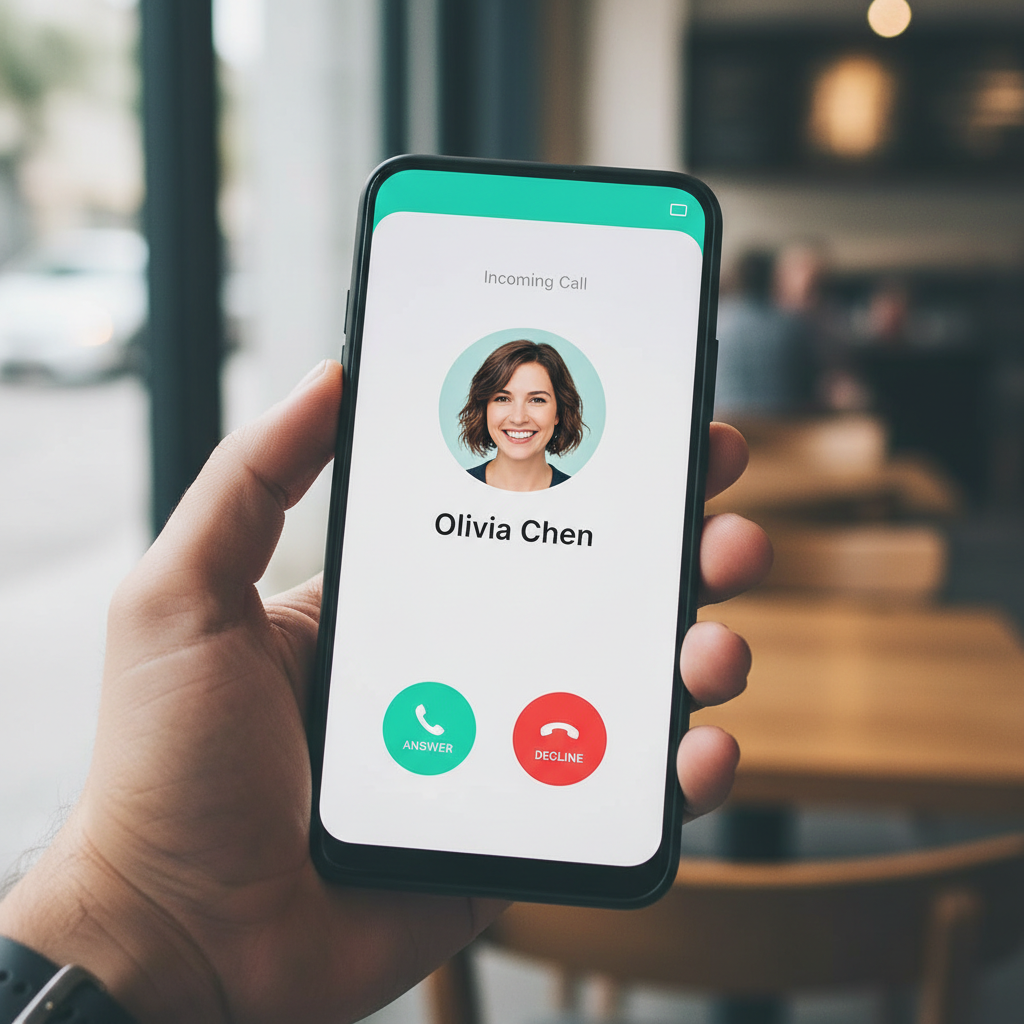
Spam and scam calls remain one of the most persistent annoyances on any phone. In the United States alone, consumers reported losing billions of dollars to phone scams, and reporting bodies log millions of unwanted-call complaints every year. A good caller ID and spam blocker app turns an unknown ringing number into a name you can trust or safely ignore.
These apps work by matching incoming numbers against large community databases of known spammers and businesses. The best ones block fraud calls before they ring. The trade-off is real: caller ID apps see your call activity, and some have a history of aggressive data collection.
That is the core tension to navigate. You want fewer scam calls without handing your contact list and call log to an advertiser. Some apps demand broad permissions, others sell premium tiers for basic blocking, and a few clone popular apps to harvest data. This roundup ranks ten caller ID and spam-blocker apps and is honest about the privacy cost of each.
| App | Best For | Spam Block | Privacy | Price |
|---|---|---|---|---|
| APK Store picks (verified) | Clean builds of any app below | Depends | You choose | Free |
| Truecaller | Largest database | Strong | Heavy data use | Free / Premium |
| Google Phone (Caller ID & Spam) | Built-in, private | Strong | Good | Free |
| Hiya | Clean spam blocking | Strong | Good | Free / Premium |
| Should I Answer? | Offline privacy focus | Good | Excellent | Free |
| Whoscall | Asia coverage | Strong | Moderate | Free / Premium |
| Showcaller | Lightweight ID | Good | Moderate | Free |
| Eyecon | Contact photos | Moderate | Moderate | Free |
| CallApp | Recording + ID | Strong | Moderate | Free / Premium |
| RoboKiller | Aggressive robocall block | Very strong | Moderate | Subscription |
Challenges With Caller ID and Spam-Blocker Apps
The category has genuine trade-offs worth knowing before you install.
- Privacy cost: many apps upload your contacts to build their database, exposing your friends’ numbers.
- Permission overreach: to identify and block calls, an app needs call-log and phone access, which is sensitive.
- Database gaps: coverage varies by region, so an app strong in one country can be weak in another.
- Cloned apps: popular caller ID apps are common targets for repackaged, trojanized copies.
1. APK Store Verified Downloads
APK Store is the safe place to get the apps below. Because caller ID apps are frequently cloned, getting a signature-pinned and malware-scanned build matters more here than almost anywhere. The Truecaller or Hiya build you install is the real one.
Why start here
These apps already ask for sensitive call and contact access, so the last thing you want is a tampered build. APK Store shows a Verified badge, keeps version history, and serves clean downloads with no injected ads.
- Advantages: signature-pinned and scanned builds, version history, no ad injection.
2. Truecaller
Truecaller (package com.truecaller) runs the largest community caller ID database, identifying and blocking spam across most regions including Pakistan and India.
Standout features
Massive spam database, automatic blocking, caller ID for unknown numbers, and SMS spam filtering. Coverage in South Asia is excellent.
- Pros: best-in-class database, strong regional coverage, reliable blocking.
- Cons: heavy data collection and broad permissions; ads on the free tier.
3. Google Phone (Caller ID & Spam)
Google’s own Phone app (package com.google.android.dialer) includes caller ID and spam protection built on Google’s data, with a far smaller privacy footprint.
Standout features
Spam warnings, call screening on supported devices, and verified business caller ID, all without uploading your contact list to a third party.
- Benefits: private by comparison, free, no extra app, solid spam flags.
- Drawbacks: database is narrower than Truecaller in some regions; full features tied to Pixel and supported phones.
4. Hiya
Hiya (package com.webascender.callerid) offers clean caller ID and spam blocking with a lighter privacy footprint than Truecaller.
Standout features
Automatic spam blocking, reverse lookup, and a tidy interface. Hiya powers spam protection for several carriers, so its data is well tested.
- Strengths: effective blocking, cleaner privacy stance, simple UI.
- Limitations: some features are premium; coverage varies by country.
5. Should I Answer?
Should I Answer? is the privacy-first pick. It can work entirely offline using a downloaded database, so it never has to upload your contacts.
Standout features
Offline mode, community ratings of numbers, and automatic blocking of known nuisance callers without harvesting your data.
- Upsides: excellent privacy, offline operation, free, no contact upload.
- Trade-offs: smaller database than the giants; interface is utilitarian.
6. Whoscall
Whoscall (package gogolook.callgogolook2) is especially strong across Asia, identifying spam and scam numbers common in the region.
Standout features
Offline database option, SMS filtering, and good coverage in East and South Asia. A solid Truecaller alternative in those markets.
- Highlights: strong Asia coverage, offline mode, SMS filtering.
- Watch-outs: premium tier for advanced features; permissions worth reviewing.
7. Showcaller
Showcaller (package com.allinone.callerid) is a lightweight caller ID app focused on fast identification and blocking without a heavy footprint.
Standout features
Real-time caller ID, spam blocking, and a call recorder. Light on resources, suitable for budget phones.
- Pros: lightweight, fast, free, simple.
- Cons: smaller database; ad-supported.
8. Eyecon
Eyecon (package com.eyecon.global) adds caller photos and social profiles to your contacts alongside spam identification.
Standout features
Photo caller ID, contact enrichment, and basic spam flags. Good if you want a richer contacts experience.
- Benefits: photo caller ID, contact sync, free.
- Drawbacks: spam blocking is secondary; reviews permissions carefully.
9. CallApp
CallApp (package com.callapp.contacts) combines caller ID, spam blocking, and call recording in one feature-heavy package.
Standout features
Caller ID, blocking, recording, and reminders. A do-it-all option for people who want more than identification.
- Strengths: feature-rich, strong blocking, recording.
- Limitations: ad-heavy free tier; broad permissions.
10. RoboKiller
RoboKiller is the most aggressive robocall blocker, using audio fingerprinting and answer bots to stop calls before they reach you.
Standout features
Predictive blocking, spam-call analysis, and answer bots that waste scammers’ time. Strongest in markets with heavy robocall volume.
- Upsides: very effective blocking, advanced anti-robocall tools.
- Trade-offs: subscription-based; best value in high-robocall regions like the US.
How to Choose the Right Caller ID App
Trade coverage against privacy. If you want the widest database and live in South Asia, Truecaller and Whoscall lead, but accept their data appetite. If privacy is your priority, Should I Answer? works offline and Google Phone keeps your contacts off third-party servers. For aggressive robocall defense in high-spam regions, RoboKiller is the strongest. Before installing any of them, review the contact and call-log permissions, decide whether you are comfortable contributing your contacts to a database, and turn off enrichment features you do not need. Download from a source that verifies its builds, since cloned caller ID apps are a known malware vector.
Browse clean, signature-checked builds in our curated tools collection.
Frequently Asked Questions (FAQs)
Which caller ID app is most private?
Should I Answer? is the most private, since it can run offline using a downloaded database and does not upload your contacts. Google’s built-in Phone app is also a privacy-friendly option compared with apps that harvest contact lists.
Do caller ID apps upload my contacts?
Many do, to build their community database. Truecaller and similar apps historically request contact access for this. Privacy-focused apps like Should I Answer? avoid it. Always review the permissions before granting access.
Which app works best in Pakistan and India?
Truecaller has the deepest database in South Asia, with strong spam and scam coverage. Whoscall is also effective across Asia. Both identify and block local nuisance numbers reliably.
Can I block spam calls without a third-party app?
Yes. Google’s Phone app includes caller ID and spam warnings on many devices, and Android lets you block individual numbers natively. A dedicated app mainly adds a larger spam database and automatic blocking.
Where can I download these apps safely?
Use a source that verifies what it ships. APK Store signature-pins and malware-scans each build, which matters here because caller ID apps are a frequent target for repackaged, trojanized copies.