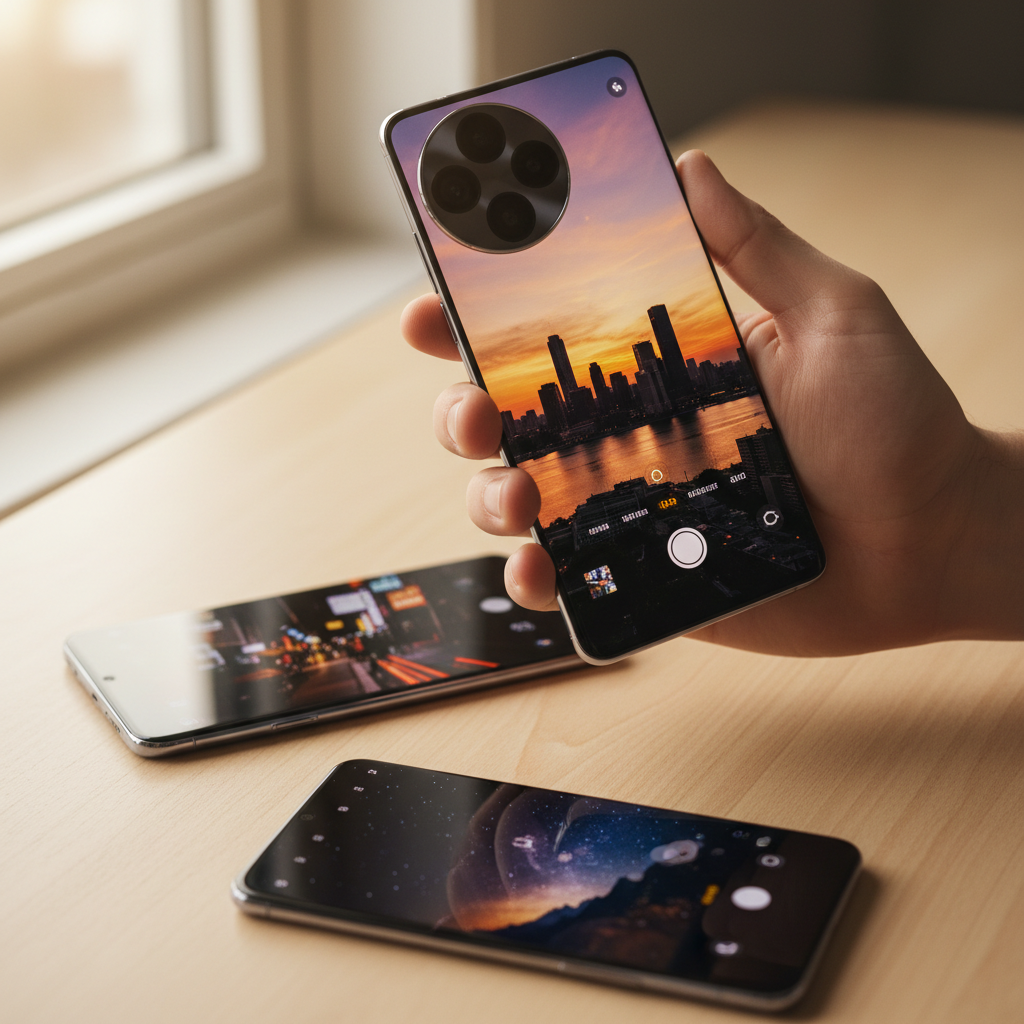
Google Camera, the app behind the Pixel's acclaimed photography, is not officially available for most non-Pixel phones. That gap created GCam ports: community-modified versions of the app that bring Google's computational photography to other Android devices. The interest is enormous, because camera quality is one of the top reasons people choose a phone, and smartphone cameras now capture the overwhelming majority of the world's photos as dedicated camera shipments keep shrinking. With Android on roughly 70 percent of mobile devices, the audience for better phone photos is huge.
A GCam port can sharpen detail, improve low-light shots with Night Sight, and add HDR processing that a phone's stock camera lacks. But because these are unofficial, community-built APKs, they carry real risks that deserve a clear-eyed look.
The concrete challenges: GCam ports are unofficial and not from Google, builds are device-specific so the wrong one crashes or misbehaves, configuration files (XML configs) are needed for best results, and unverified download sources can carry tampered files. Treat every port as something to verify, not trust blindly.
| Port / App | Best For | Official? | Price |
|---|---|---|---|
| APK Store (verified camera picks) | Safe, scanned downloads | Directory | Free to browse |
| BSG GCam | Wide device support | Community port | Free |
| Greatness GCam | Snapdragon phones | Community port | Free |
| Wichaya GCam | Latest features | Community port | Free |
| Open Camera | Open-source alternative | Official app | Free |
| Pixel Camera (official) | Pixel devices | Official Google app | Free |
The Challenges of Using GCam Ports
GCam ports are powerful but come with caveats that matter for safety and stability. First, they are unofficial. Google does not distribute these versions for non-Pixel phones, so they are maintained by independent developers and modders. That means there is no official support channel if something breaks.
Second, ports are device-specific. A build that works beautifully on one Snapdragon phone may crash or produce broken photos on another, and you often need a matching XML configuration file to unlock your device's full potential. Third, because the demand is high, unverified mirrors and forums host these APKs, and a tampered build could carry malware. The safe approach is to download only from a source that signature-pins and scans the file, confirm the build matches your device, and scan it yourself before installing.
1. APK Store Verified Camera Picks
APK Store is a verified-clean APK directory rather than a single port. Every APK we host is signature-pinned to the developer's certificate where one exists and malware-scanned before it goes live. For community camera builds, that scanning layer is especially valuable because the apps are not from an official store.
Why start here
Camera apps request access to your photos and storage, so a tampered build is a real privacy risk. Downloading from a directory that scans files and surfaces clear safety notes lowers that risk, and the version history lets you roll back if a new port build misbehaves on your phone.
Advantages: scanned downloads, version history, clear safety notes, no watermarks or forced subscriptions, and a regional focus for global and Pakistani users.
2. BSG GCam
BSG (BurialSpirit Gimadziev) maintains one of the most widely compatible GCam port lines, supporting a broad range of devices and Android versions. It is a common starting point for newcomers.
Best for
Users who want the widest device compatibility from a well-known port maintainer.
Pros: broad device support, frequent updates, large community config library. Cons: unofficial, requires the right config, and stability varies by device.
3. Greatness GCam
The Greatness (Arnova8G2-derived) ports are popular on Snapdragon-based phones, known for strong Night Sight and HDR results when paired with a good config.
Best for
Owners of Snapdragon phones who want refined low-light photography.
Benefits: strong night photography, active development, many available configs. Drawbacks: unofficial, Snapdragon-leaning, and needs tuning to shine.
4. Wichaya GCam
Wichaya ports track the newest official Google Camera releases closely, bringing recent features to compatible non-Pixel devices soon after they appear.
Best for
Users who want the latest GCam features as early as possible.
Strengths: up-to-date with new Google Camera versions, feature-rich. Limitations: newer builds can be less stable, and device compatibility varies.
5. Open Camera
Open Camera is a fully open-source, official camera app (not a GCam port) with manual controls, HDR, and broad device support. It is a transparent alternative when GCam ports do not work on your phone. Package name: net.sourceforge.opencamera.
Best for
Users who want a safe, open-source camera with manual controls.
Upsides: open source, official and verifiable, manual photography controls. Trade-offs: lacks Google's computational night and HDR magic.
6. Pixel Camera (Official Google Camera)
The genuine Pixel Camera app is the source all ports derive from. On a Pixel device it is the safest, best-supported option, with Night Sight, Magic Eraser, and full computational photography. Package name: com.google.android.GoogleCamera.
Best for
Pixel owners, who should always use the official app rather than a port.
Highlights: official, fully supported, the complete feature set. Watch-outs: officially intended for Pixel hardware only.
7. Nikita GCam
Nikita ports are another respected line in the community, often praised for stability on a range of mid-range devices when matched with the right config.
Best for
Mid-range phone owners seeking a stable port.
Benefits: good stability reputation, active configs. Drawbacks: unofficial and device-dependent like all ports.
8. Urnyx05 GCam
Urnyx05 maintains ports with a focus on additional toggles and customization for advanced users who like to fine-tune their photography pipeline.
Best for
Enthusiasts who want extra settings to tweak.
Strengths: rich customization, frequent updates. Limitations: more complex setup and the usual unofficial caveats.
9. ProShot
ProShot is a paid, official manual camera app offering full DSLR-style controls, RAW capture, and manual video, a legitimate alternative when ports are not viable. Package name: com.riseupgames.proshot2.
Best for
Photographers who want professional manual controls from an official app.
Upsides: official, deep manual controls, RAW support. Trade-offs: paid, and it does not replicate Google's computational processing.
10. Camera FV-5
Camera FV-5 is another official manual camera app with DSLR-like controls, exposure bracketing, and RAW capture, popular among enthusiasts. Package name: com.flavionet.android.camera.pro.
Best for
Users who want manual exposure control from a trusted, official app.
Highlights: official, manual controls, RAW and bracketing. Watch-outs: the full version is paid and lacks computational night modes.
How to Choose the Right Camera App for Your Phone
Start with what is official and safe. If you own a Pixel, use the genuine Pixel Camera. If you want a transparent, verifiable upgrade on any phone, Open Camera, ProShot, or Camera FV-5 are official apps with manual controls. Only turn to a GCam port if you specifically want Google's computational night and HDR processing on a non-Pixel device, and accept that it is unofficial.
If you do use a port, match the build to your exact device, find a community config for your model, and download the APK only from a source that scans files and confirm it before installing. Never disable your security checks just to force a port to run without weighing the risk. For more, browse our best photography apps and read up on how to verify an APK is safe.
Frequently Asked Questions (FAQs)
Are GCam ports safe to install?
GCam ports are unofficial, community-built versions of Google Camera, so safety depends entirely on the source. Download only from a directory that scans files, confirm the build matches your device, and scan the APK yourself before installing. Official alternatives like Open Camera or ProShot avoid the uncertainty.
Will a GCam port work on any Android phone?
No. Ports are device-specific, and a build made for one phone may crash or take broken photos on another. You usually need a matching XML configuration file for your exact model to get good results, which is part of why setup can be fiddly.
Why is Google Camera not on the Play Store for my phone?
The official Google Camera app is intended for Pixel devices and is not distributed for most other phones. That is why the community creates ports. If you own a Pixel, you should use the official app rather than any port.
What is a GCam config file?
A config (XML) file stores tuned settings for a specific phone, telling the port how to process images for that camera sensor. Loading the right config for your device unlocks better results than the default settings, which is why communities share device-specific configs.
Is there a safe alternative to a GCam port?
Yes. Open Camera is open source and free, while ProShot and Camera FV-5 are paid official apps with strong manual controls. These do not replicate Google's computational night photography, but they are official, verifiable, and avoid the risks of unofficial ports.