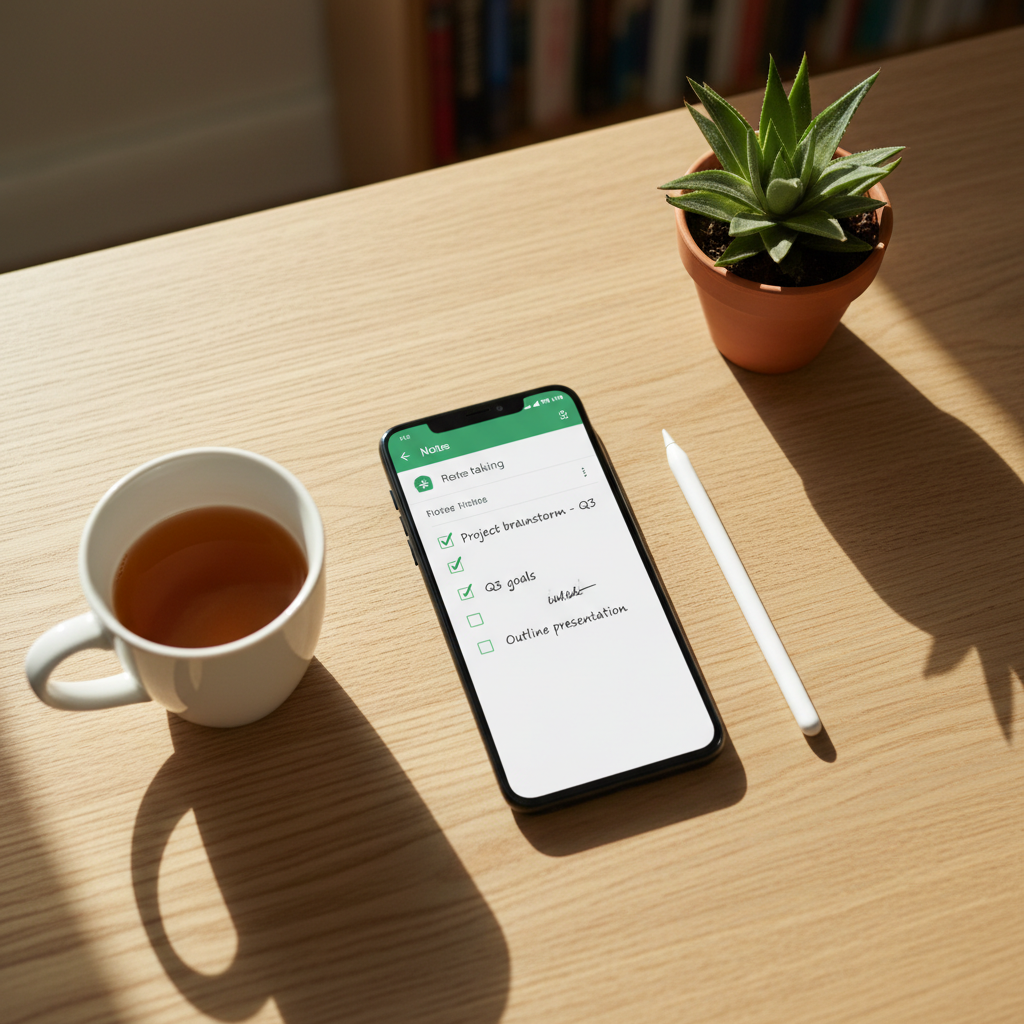
A note-taking app is one of the most personal tools on a phone, holding everything from grocery lists to passwords people should not be storing there. The productivity-software market keeps growing into the tens of billions of dollars worldwide, and with Android on roughly 70% of phones globally, the right note app means your thoughts are captured fast and synced everywhere you work.
The problem is that note apps differ wildly. Some are simple and private and store everything on your device. Others are powerful knowledge bases that sync to the cloud but can lock your data inside a proprietary format. A few have shifted to aggressive subscriptions.
The friction shows up over time. You outgrow a simple app and cannot export cleanly. A free app suddenly caps the number of devices or notes. A cloud app holds sensitive notes you would rather keep local, or a sketchy app requests permissions a notepad has no business wanting. This roundup ranks ten note apps across that spectrum and explains where each one fits.
| App | Best For | Sync | Offline | Price |
|---|---|---|---|---|
| APK Store picks (verified) | Clean builds of any app below | Depends | Depends | Free |
| Google Keep | Quick capture | Cloud | Yes | Free |
| Microsoft OneNote | Free-form notebooks | Cloud | Yes | Free |
| Notion | All-in-one workspace | Cloud | Limited | Free / Premium |
| Obsidian | Local Markdown vault | Optional | Yes | Free (personal) |
| Standard Notes | Encrypted privacy | Cloud (E2E) | Yes | Free / Premium |
| Joplin | Open-source + Markdown | Optional | Yes | Free |
| Simplenote | Lightweight text notes | Cloud | Yes | Free |
| Evernote | Web clipping + search | Cloud | Premium | Free / Premium |
| Notesnook | Encrypted open-source | Cloud (E2E) | Yes | Free / Premium |
Challenges With Note-Taking Apps
A few recurring issues shape which app suits you long term.
- Lock-in: proprietary formats make it hard to move your notes if you switch apps later.
- Privacy: most cloud apps are not end-to-end encrypted, so the provider can read your notes.
- Shifting paywalls: apps like Evernote tightened free limits over time, stranding users.
- Permission overreach: a notepad asking for contacts or location deserves scrutiny.
1. APK Store Verified Downloads
APK Store is the safe place to get the apps below. Each APK is signature-pinned to its developer and malware-scanned, so the Obsidian or Standard Notes build you install is genuine, not a clone with trackers added.
Why start here
Notes hold private thoughts and sometimes sensitive data, so a clean build matters. APK Store shows a Verified badge, keeps version history, and serves downloads with no watermarks or forced subscriptions.
- Advantages: signature-pinned and scanned builds, version history, no ad injection.
2. Google Keep
Google Keep (package com.google.android.keep) is the fastest way to jot something down, with checklists, reminders, voice notes, and instant sync.
Standout features
Color-coded notes, location and time reminders, image and voice capture, and tight Google integration. Free and effortless for quick capture.
- Pros: instant, free, reliable sync, great for lists.
- Cons: shallow organization for large note collections; not end-to-end encrypted.
3. Microsoft OneNote
OneNote (package com.microsoft.office.onenote) offers free-form notebooks where you can place text, images, and drawings anywhere on the page.
Standout features
Notebooks, sections, and pages, plus handwriting, audio, and strong cross-platform sync. Generous and free for most users.
- Benefits: flexible canvas, free, excellent sync, handwriting support.
- Drawbacks: can feel heavy; cloud-based, not end-to-end encrypted.
4. Notion
Notion (package notion.id) is a flexible workspace that blends notes, databases, tasks, and wikis into one tool.
Standout features
Blocks, templates, relational databases, and collaboration. Powerful for organizing projects, not just notes.
- Strengths: highly flexible, great for structured knowledge, strong free tier.
- Limitations: offline access is limited; overkill for quick notes.
5. Obsidian
Obsidian (package md.obsidian) stores notes as plain Markdown files on your device, so your data stays in an open format you fully own.
Standout features
Local-first Markdown, backlinks, a graph view, and plugins. The strongest choice for a private, future-proof knowledge base.
- Upsides: local files, no lock-in, free for personal use, extensible.
- Trade-offs: learning curve; official sync is a paid add-on.
6. Standard Notes
Standard Notes (package com.standardnotes) is built around end-to-end encryption, so even the provider cannot read your notes.
Standout features
End-to-end encryption, cross-device sync, and a clean, distraction-free editor. The privacy-first pick for sensitive notes.
- Highlights: end-to-end encrypted, open-source, simple, secure sync.
- Watch-outs: rich editors and themes need a subscription.
7. Joplin
Joplin (package net.cozic.joplin) is an open-source Markdown note app with optional encrypted sync to your own cloud.
Standout features
Markdown notes, notebooks, web clipper, and sync to Dropbox, OneDrive, or your own server with end-to-end encryption.
- Benefits: open-source, free, flexible sync, encryption option.
- Drawbacks: interface is utilitarian; setup takes a moment.
8. Simplenote
Simplenote (package com.automattic.simplenote) does one thing well: fast, clean, free plain-text notes that sync everywhere.
Standout features
Lightweight text notes, tags, search, and version history, all free with no ads. Ideal for people who want speed over features.
- Strengths: fast, free, no ads, reliable sync.
- Limitations: text only, no rich media; not end-to-end encrypted.
9. Evernote
Evernote (package com.evernote) pioneered web clipping and powerful search, and remains capable for collecting and finding information.
Standout features
Web clipper, document scanning, strong search including text inside images, and templates. Good for heavy researchers.
- Upsides: excellent search and clipping, mature.
- Trade-offs: free tier is tightly limited now; pricing has risen.
10. Notesnook
Notesnook is an open-source, end-to-end encrypted note app that pairs privacy with a modern, friendly interface.
Standout features
End-to-end encryption, notebooks and tags, a clean editor, and cross-platform sync. A strong privacy alternative with broad free features.
- Pros: encrypted, open-source, polished, generous free tier.
- Cons: some advanced features are premium.
How to Choose the Right Note App
Match the app to how you think. For fast capture and lists, Google Keep or Simplenote are effortless and free. For a flexible canvas, OneNote and Notion organize complex projects. If you want to truly own your data, Obsidian and Joplin keep it in open formats with no lock-in. If privacy is non-negotiable, Standard Notes, Notesnook, and Joplin offer end-to-end encryption. Think about export before you commit, since the day you switch apps you will want your notes to come with you. Avoid note apps that request permissions a notepad has no reason to need, and download any of them from a source that verifies its builds so a private notebook stays private.
Find clean, signature-checked note-app builds in our curated tools collection.
Frequently Asked Questions (FAQs)
What is the best free note-taking app for Android?
Google Keep and Simplenote are the best free options for fast, everyday notes with reliable sync. For richer notebooks, Microsoft OneNote is free and generous, while Obsidian and Joplin are free for local, open-format notes.
Which note app is the most private?
Standard Notes, Notesnook, and Joplin offer end-to-end encryption, so even the provider cannot read your notes. Obsidian keeps everything in local Markdown files on your device, which is also strongly private.
Can I move my notes between apps?
It depends on the format. Apps that store notes as Markdown or plain text, like Obsidian, Joplin, and Simplenote, export cleanly. Proprietary apps can make migration harder, so check export options before you commit.
Do note apps work offline?
Most do for local editing, then sync when you reconnect. Local-first apps like Obsidian work fully offline. Cloud-heavy apps like Notion have more limited offline access, so check this if you often work without a connection.
Where can I download these note apps safely?
Use a source that verifies what it ships. APK Store signature-pins and malware-scans each build and keeps version history, so the note app you install matches the genuine developer release rather than a repackaged copy.