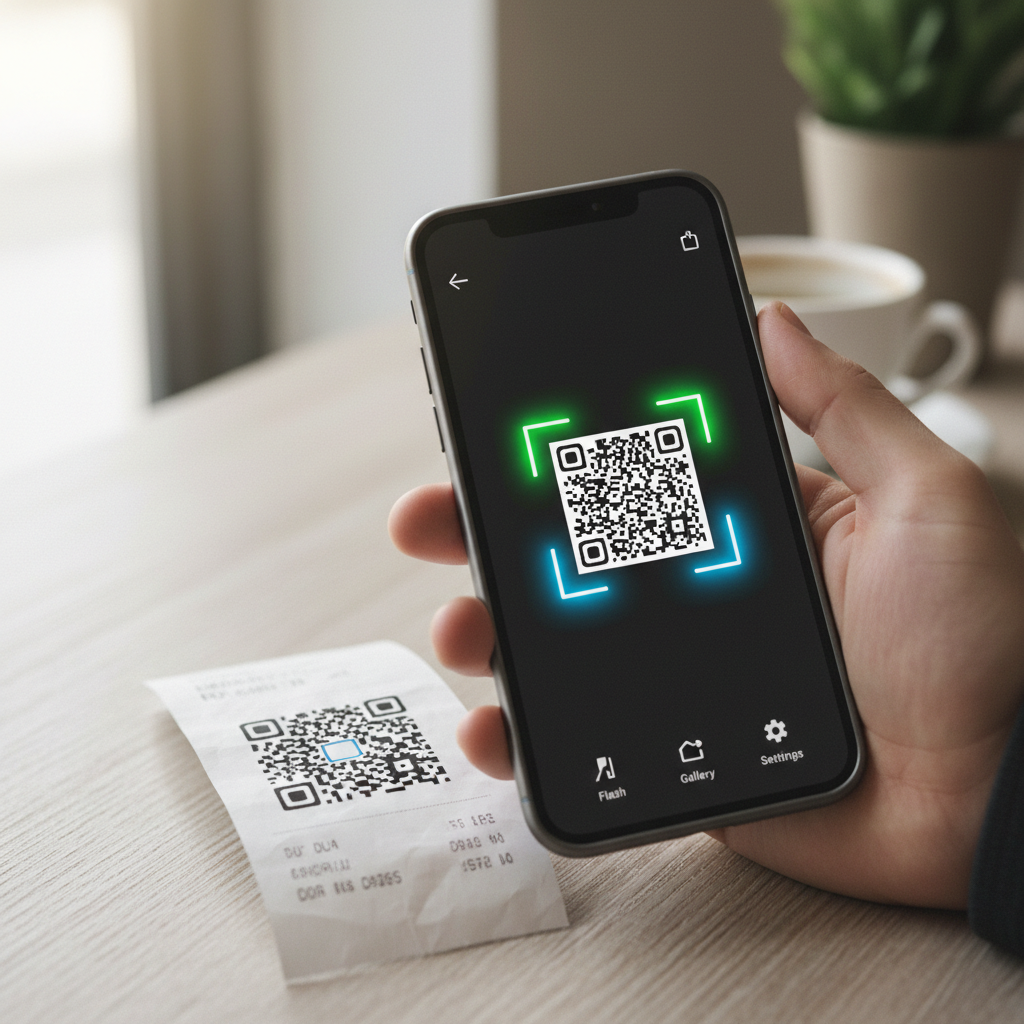
QR codes moved from novelty to everyday infrastructure. More than scanning has become a mainstream habit for tens of millions of smartphone users, and in Pakistan the State Bank's Raast payment system uses QR codes for person-to-merchant transfers. That makes a fast, accurate, privacy-respecting scanner a genuinely useful app to have.
Modern Android phones include a scanner in the camera app, but a dedicated QR and barcode app adds history, batch scanning, product lookups, and offline decoding that the stock camera does not. The hard part is choosing one that does not spam ads, demand excessive permissions, or quietly track you.
The real challenges shoppers face: many free scanners bury the result behind ads, some request contact or location access they do not need, and a few inject affiliate redirects. We weighed accuracy, permissions, ad load, and offline use.
| App | Best For | Offline | Price |
|---|---|---|---|
| APK Store (verified scanner picks) | Safe, scanned downloads | Varies | Free to browse |
| Google Lens | All-in-one scanning | Partial | Free |
| Binary Eye | Privacy, open source | Yes | Free |
| QR & Barcode Scanner (Gamma) | Simple everyday use | Yes | Free, ads |
| QR Code Reader (TeaCapps) | Speed | Yes | Free, ads |
| Barcode Scanner (ZXing) | No-frills, open source | Yes | Free |
The Challenges of Choosing a QR Scanner App
Scanning a QR code feels trivial, but the app behind it can be a privacy liability. Many free scanners request the camera permission (which they need) alongside location, contacts, or storage access they do not. Some open results inside an in-app browser stuffed with ads, slowing you down and exposing you to redirect tricks.
There is also a security angle. A malicious QR code can point to a phishing page, so a good scanner shows the full destination URL before you tap it. Finally, payment QR codes in Pakistan and elsewhere demand reliability, since a misread code on a Raast or merchant payment is more than an inconvenience. Pick a scanner that is accurate, permission-light, and transparent about where a code leads.
1. APK Store Verified Scanner Picks
APK Store is a verified-clean APK directory, not a single scanner. Every APK is signature-pinned to the developer's certificate and malware-scanned before it goes live, which matters for permission-sensitive utilities like scanners. You get clean builds with no watermarks or forced subscriptions, plus a version history if a new release adds unwanted trackers.
Why start here
Scanner apps are a common vector for adware because users grant camera access without thinking. Downloading from a directory that verifies signatures and scans files lowers that risk before the app ever touches your phone.
Advantages: signature-pinned and scanned downloads, version history, no watermarks, no forced subscriptions, and a regional focus that surfaces apps relevant to Pakistani users.
2. Google Lens
Google Lens reads QR codes alongside text recognition, translation, and product lookup. It is built into many Android cameras and the Google app. Package name: com.google.ar.lens.
Best for
Users who want one tool that scans codes and also identifies objects, text, and products.
Pros: highly accurate, no ads, deep integration with Android. Cons: ties into Google services and sends some data to the cloud for lookups.
3. Binary Eye
Binary Eye is an open-source scanner focused on privacy. It decodes a wide range of QR and barcode formats entirely on-device and can also create codes. Package name: de.markusfisch.android.binaryeye.
Best for
Privacy-conscious users who want offline scanning with no ads or tracking.
Benefits: open source, fully offline, minimal permissions, free. Drawbacks: a plainer interface and fewer product-lookup features than commercial apps.
4. QR & Barcode Scanner (Gamma Play)
Gamma Play's scanner is one of the most installed dedicated readers, handling QR codes and product barcodes with history and result actions. Package name: com.gamma.scan.
Best for
Everyday scanning of payment codes, links, and shopping barcodes.
Strengths: fast, broad format support, scan history. Limitations: ad-supported, and results open in an in-app browser.
5. QR Code Reader (TeaCapps)
TeaCapps built this reader for speed, with instant decoding and clear result screens that show the destination before you act. Package name: qrcodereader.barcodescanner.scan.qrscanner.
Best for
Users who prioritize fast, no-friction scanning.
Upsides: quick recognition, clean result display, offline decoding. Trade-offs: ads in the free tier and optional paid upgrade.
6. Barcode Scanner (ZXing Team)
The classic ZXing scanner is open source and has been a reference implementation for years. It decodes QR codes and most barcode types with no frills. Package name: com.google.zxing.client.android.
Best for
Users who want a proven, lightweight, open-source reader.
Highlights: open source, offline, no ads in community builds. Watch-outs: the original is no longer actively updated, so confirm you have a maintained build.
7. QR Scanner by Kaspersky
Kaspersky's scanner adds a security layer, checking scanned links against its threat database to warn you about phishing or malicious destinations. Package name: com.kaspersky.qrscanner.
Best for
Users who want a safety check on the links a QR code hides.
Pros: link safety warnings, clean interface, free. Cons: a single security vendor's database is not infallible.
8. Trend Micro QR Scanner
Trend Micro's reader similarly screens destinations for known threats and flags suspicious URLs before you open them. Package name: com.trendmicro.qrscanner.
Best for
Security-minded users who scan unfamiliar public codes.
Benefits: threat screening, simple design. Drawbacks: fewer extra utilities than general-purpose scanners.
9. NeoReader
NeoReader is a long-standing universal barcode scanner supporting QR, Data Matrix, EAN, and more, popular for retail and inventory use. Package name: de.gavitec.android.
Best for
Users who scan many barcode formats, including retail product codes.
Strengths: broad format support, scan history. Limitations: dated interface and occasional ads.
10. QR Droid
QR Droid creates and scans codes, with sharing tools and the ability to generate codes for contacts, links, and Wi-Fi credentials. Package name: la.droid.qr.
Best for
Users who both scan and generate QR codes regularly.
Upsides: two-way create-and-scan, sharing tools. Trade-offs: requests more permissions than a scan-only app, so review them.
How to Choose the Right QR Scanner for You
Decide by your priority. If privacy matters most, an open-source, offline reader like Binary Eye or a maintained ZXing build keeps everything on-device. If you want safety screening for public codes, Kaspersky or Trend Micro flag risky links. For all-around use, Google Lens is accurate and ad-free but ties into Google services.
Whatever you choose, review the permissions: a scanner needs the camera and little else, so be wary of one asking for contacts or location. Download the APK from a source that signature-pins and scans it, and browse our wider best Android tool apps for related utilities.
Frequently Asked Questions (FAQs)
Do I need a separate QR scanner if my camera already scans codes?
Not always, but a dedicated app adds scan history, batch scanning, code creation, and offline decoding that the stock camera lacks. If you scan codes often or want link-safety warnings, a dedicated scanner is worth installing.
Are free QR scanner apps safe?
Many are, but some bundle adware or request excessive permissions. Choose a scanner that only asks for camera access, prefer open-source options for privacy, and download from a source that signature-pins and scans its APKs to lower the risk of a tampered file.
Can a QR code itself contain malware?
A QR code is just data, usually a URL, so it cannot run code by itself. The risk is that it points to a phishing or malicious page. A good scanner shows the full destination before you open it, and security-focused scanners screen the link against threat databases.
Which QR scanner works offline?
Most decoding happens on-device, so apps like Binary Eye, ZXing, and Gamma Play's scanner read codes offline. You only need a connection to open a scanned link or do a cloud product lookup, not to decode the code itself.
Can I scan Raast or merchant payment QR codes with these apps?
Payment QR codes are usually scanned inside your bank or wallet app, which handles the transaction securely. A general scanner can read the code's data, but for Raast and merchant payments use your banking app's built-in scanner for the safest experience.