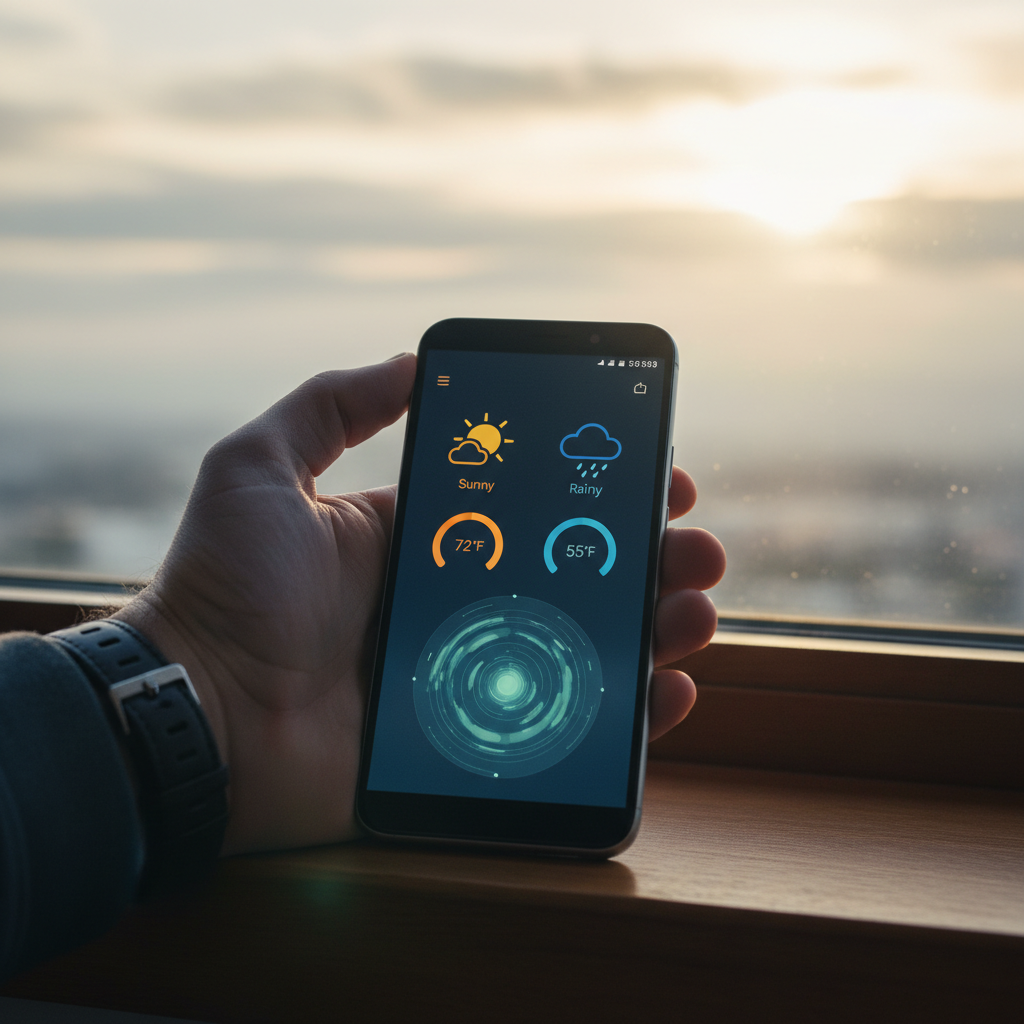
Weather is the information people check more than almost anything else on their phones, and the stakes keep rising. Extreme weather events have grown more frequent, and reliable forecasts now matter for daily planning and safety alike. Weather apps consistently rank among the most-used utility categories on mobile, and with Android holding around 70 percent of the global mobile OS share, a good forecast app is on billions of devices. Meteorological agencies also note that accurate early warnings save lives and reduce losses, which is exactly what a strong weather app delivers to your pocket.
The best weather apps do far more than show today's high. They layer radar, hourly and 10-day forecasts, severe-weather alerts, air quality, and minute-by-minute precipitation, all drawn from professional forecast models. The right one turns a vague "might rain" into a precise plan.
Picking and installing one carries quiet trade-offs, though. Weather apps often request location access and can be ad-heavy or data-hungry, harvesting more than they need. Some popular ones were even caught selling location data, and lesser-known clones on third-party sites can be tampered. This guide ranks ten weather apps worth installing in 2026 and points you to clean, verified copies.
Quick Comparison of the Top Android Weather Apps in 2026
| App | Strength | Ads | Privacy Focus | Best For |
|---|---|---|---|---|
| Google Weather (Pixel) | Clean, accurate | No | High | Simple daily forecasts |
| AccuWeather | MinuteCast precip | Yes (free) | Medium | Detailed forecasts |
| The Weather Channel | Radar and alerts | Yes (free) | Medium | Severe-weather tracking |
| Windy.com | Pro weather maps | No | High | Maps and wind data |
| Today Weather | Multi-source | Light | High | Clean all-rounder |
| Breezy Weather | Open source | No | Very high | Privacy purists |
Challenges of Choosing a Weather App on Android
Weather apps look simple, but they raise real concerns around accuracy, privacy, and clutter. Keep these in mind before installing one.
- Location data harvesting. Weather apps need your location to forecast, and some have sold or shared that data, so the app's privacy practices and source matter.
- Ad and bloat overload. Many free weather apps bury the forecast under banners, video ads, and "news" feeds that slow the app and drain battery.
- Forecast source quality. Accuracy depends on the underlying model, and some apps use weaker or single-source data, so the prettiest app is not always the most reliable.
- Clones and tampered builds. Lesser-known weather apps on third-party sites can be repackaged, which is risky given the location permission they request.
Because weather apps see your location, install from a source that signature-pins and scans the build, and verify the signature matches the official developer before granting location access. Favor apps with clear privacy practices or open-source code.
The 10 Best Android Weather Apps in 2026
1. Google Weather
Google's weather experience, built into Pixel phones and the Google app, is clean, fast, and accurate for everyday use. It pulls from solid forecast data and presents hourly and 10-day outlooks without ads or clutter. For most people who just want a reliable, no-fuss forecast, it is hard to beat.
On non-Pixel phones it lives inside the Google app rather than as a standalone install, so getting the right build matters. You can confirm a scanned listing on APK Store and see what the verified badge means before installing.
2. AccuWeather
AccuWeather (package com.accuweather.android) is a heavyweight known for its MinuteCast feature, which forecasts precipitation minute by minute for your exact location. It offers detailed hourly, daily, and extended forecasts plus severe-weather alerts. The data depth is excellent for planning.
Best for: people who want granular, professional-grade forecasts. The trade-off is a free version with plenty of ads and a heavier interface.
3. The Weather Channel
The Weather Channel app (package com.weather.Weather) pairs strong radar with detailed severe-weather alerts and a polished map experience. It is a go-to during storms, hurricanes, and rapidly changing conditions thanks to its alerting and live radar. The brand's forecasting pedigree runs deep.
Advantages: excellent radar and severe-weather coverage, trusted forecasts. Disadvantages: ad-heavy free tier and a feed that can feel busy.
4. Windy.com
Windy.com is the favorite of pilots, sailors, and weather enthusiasts. It visualizes wind, rain, temperature, waves, and dozens of other layers on a stunning interactive map, drawing from multiple professional models you can compare side by side. It is free and remarkably deep.
Strengths: unmatched map visualizations, multiple forecast models, no intrusive ads. Limitations: the data-rich interface is overkill for someone who just wants tomorrow's high.
5. Today Weather
Today Weather is a clean, well-designed all-rounder that lets you choose your forecast data source, including national weather services. It offers radar, air quality, alerts, and attractive widgets while keeping ads light. It strikes a strong balance between detail and simplicity.
Benefits: selectable data sources, clean design, good widgets, light ads. Drawbacks: some advanced features and themes sit behind a premium upgrade.
6. Breezy Weather
Breezy Weather is a free, open-source weather app focused on privacy and clean design. It pulls from multiple public weather services, shows no ads, and includes no tracking, which makes it a favorite among privacy-conscious users. The Material You design looks great on modern phones.
Upsides: open-source, no ads or tracking, multiple data sources, free. Watch-outs: distributed mainly off the Play Store, so verify the build carefully before installing.
7. 1Weather
1Weather (package com.handmark.expressweather) is a long-running app offering detailed forecasts, radar, alerts, and a wide range of widgets in a tidy interface. It includes extras like sun and moon data and weather trivia, appealing to users who want a feature-rich but readable app.
Strengths: comprehensive forecasts, strong widgets, clean layout. Limitations: ads in the free tier and occasional feature bloat.
8. Pirate Weather (and apps using it)
Pirate Weather is an open data source that revived the precise, hyperlocal forecasting style many users loved from older apps, and several front-end apps now use it. It emphasizes accurate short-term precipitation and minute-level detail. It appeals to users who want data quality over flashy design.
Advantages: hyperlocal precision, open and transparent data, privacy-friendly. Trade-offs: you access it through third-party front-end apps, so quality varies by app.
9. Rain Alarm
Rain Alarm does one thing extremely well: it warns you before rain reaches your location using live radar. It is light, focused, and ideal for cyclists, commuters, and anyone who hates getting caught in a downpour. The single-purpose design keeps it fast and unobtrusive.
Upsides: focused rain alerts, light, useful widgets. Watch-outs: it is not a full forecast app, so most users pair it with a broader one.
10. Weawow
Weawow is a beautiful weather app that overlays forecasts on stunning user-submitted photos, and it is notable for being usable without ads if you support the developer. It offers reliable forecasts from major services, radar, and clean widgets. The presentation is a genuine standout.
Strengths: gorgeous photo-based design, reliable data, optional ad-free support. Limitations: the photo focus is not for everyone, and some features need the supporter tier.
How to Choose the Right Weather App for You
Start with how much detail you want. If you just need a clean daily forecast, Google Weather, Today Weather, or Breezy Weather keep things simple and accurate. If you plan around the weather for work or hobbies, AccuWeather's MinuteCast and Windy.com's professional maps give you serious depth.
Privacy-minded users should favor open-source or transparent options like Breezy Weather and Pirate Weather front-ends, which avoid the location-selling concerns that have dogged some big apps. Whatever you choose, remember weather apps request your location, so install from a source that scans and signature-pins the build. Browse scanned utility apps on our tools directory and confirm each is verified before granting location access.
Frequently Asked Questions (FAQs)
What is the most accurate weather app for Android?
Accuracy depends on the forecast model and your region, but AccuWeather, The Weather Channel, and Windy.com all draw from professional-grade data and rank among the most reliable. Apps that let you pick your data source, like Today Weather and Breezy Weather, are useful because you can choose the model that performs best where you live.
Are weather apps safe for my privacy?
It varies. Weather apps need your location to forecast, and some have shared or sold that data in the past. Favor apps with clear privacy practices or open-source code like Breezy Weather, install from a source that signature-pins and scans the build, and review the location permission before granting it.
What is the best free weather app without too many ads?
Breezy Weather is free, open-source, and completely ad-free. Google Weather and Windy.com also avoid intrusive ads, while Today Weather keeps them light. Heavier free apps like AccuWeather and The Weather Channel offer more features but show more ads unless you pay for a premium tier.
Do I need a separate weather app if my phone has one built in?
Not always. Built-in apps like Google Weather are accurate and clean for everyday use. You may want a dedicated app if you need advanced radar, minute-level precipitation, professional maps, or severe-weather alerts that the stock app lacks. Match the app's depth to how you actually use forecasts.
Why is a weather app missing from my Play Store?
Some weather apps roll out by region, set a minimum Android version, or are distributed mainly off the Play Store, like Breezy Weather. A verified APK from a trusted directory can let you install a compatible build in those cases, as long as you confirm the signature matches the official developer.