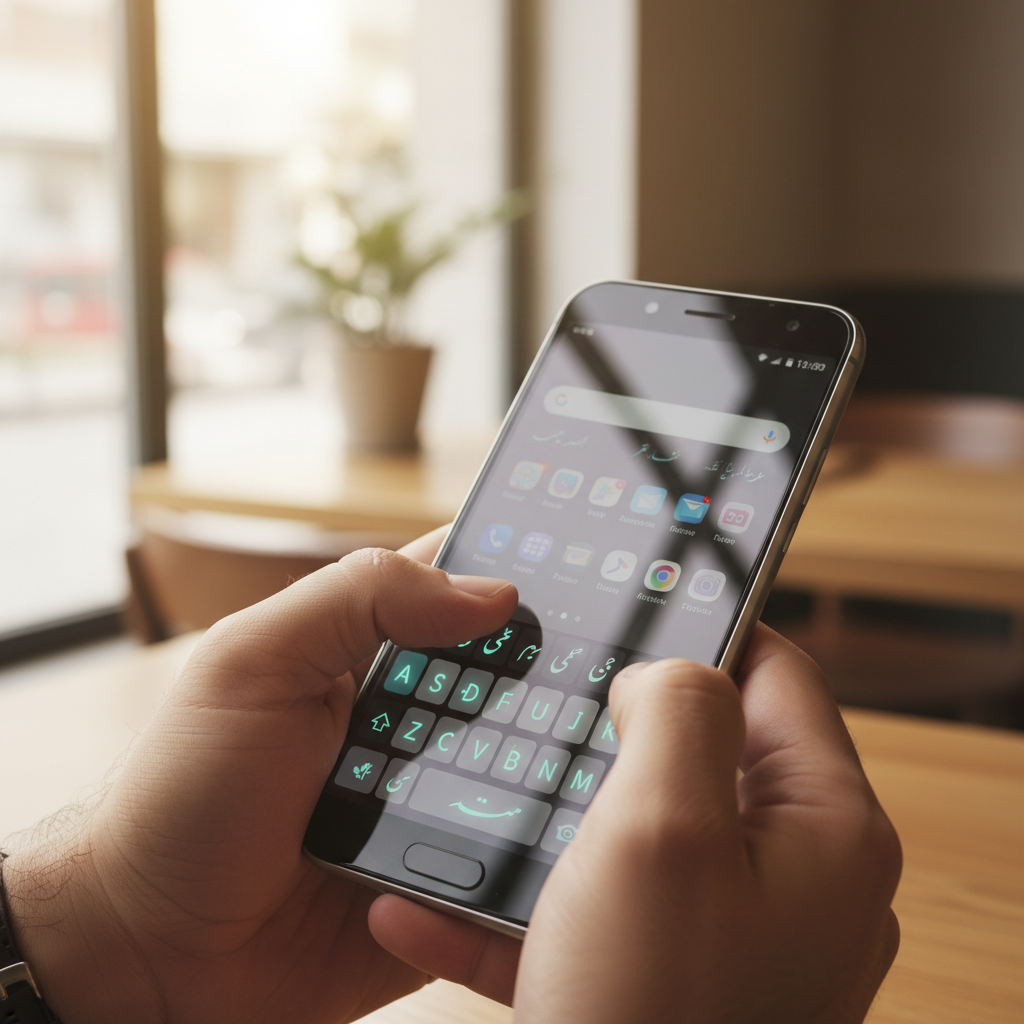
Typing Urdu on Android used to mean fighting your phone. Today it is mainstream: Urdu is among the most-spoken languages in the world, with more than 230 million total speakers across Pakistan, India, and the diaspora, and Pakistan alone has over 110 million internet users who increasingly want to message, search, and post in their own script. The right keyboard turns that from a chore into something natural.
Most general keyboards now support Urdu, but the experience varies widely. Some nail Nastaliq rendering and predictive text. Others get the layout right but leak your typing data to servers you never agreed to trust.
The real problems start once you pick one. Roman-Urdu-to-script transliteration is inconsistent across apps, so the same phonetic typing produces different words. Many keyboards request full access and send keystrokes to the cloud, which matters when you type passwords and OTP codes. Older or region-locked builds can be hard to find on the Play Store, and a wrong APK can carry adware. This roundup ranks seven solid options and explains where each one fits.
| Keyboard | Best For | Roman-to-Urdu | Offline Typing | Price |
|---|---|---|---|---|
| APK Store picks (verified) | Safe, signature-checked downloads of any keyboard below | Depends on app | Depends on app | Free |
| Gboard | Everyday all-rounder | Yes | Yes | Free |
| Microsoft SwiftKey | Bilingual prediction | Yes | Yes | Free |
| Urdu Keyboard (Easy Urdu) | Pure Urdu focus | Yes | Yes | Free, ads |
| Bobble / Desh Urdu | Stickers and themes | Yes | Partial | Free, ads |
| Lipikaar Urdu Keyboard | Logic-based transliteration | Yes | Yes | Free tier |
| Google Indic / Urdu input | Lightweight phonetic typing | Yes | Yes | Free |
Challenges of Typing Urdu on Android
Before the list, it helps to know what actually goes wrong so you can judge each keyboard fairly.
- Transliteration drift: the same Roman input maps to different Urdu words across apps, so muscle memory does not transfer.
- Nastaliq vs Naskh rendering: many phones default to a Naskh face, which looks blocky to readers used to flowing Nastaliq.
- Privacy: cloud prediction sends what you type to remote servers. That is a concern when you enter banking details or OTP codes.
- Sketchy APK sources: niche Urdu keyboards are often sideloaded, and unverified builds can bundle adware or extra trackers.
1. APK Store Verified Downloads
APK Store is not a keyboard itself. It is where you get the keyboards on this list without the usual risk. Every APK we host is signature-pinned to its developer and malware-scanned before it ships, so the Easy Urdu or Lipikaar build you install matches the real one rather than a repackaged copy.
Why start here
Urdu keyboards are exactly the kind of niche app that gets pulled, region-locked, or cloned. APK Store keeps version history, shows a Verified badge, and serves clean downloads with no watermarks or forced subscriptions. You still get the same apps below; you just get them more safely.
- Advantages: signature-pinned and scanned builds, version history, no ads injected into downloads, Pakistan-aware curation.
2. Gboard
Google’s Gboard (package com.google.android.inputmethod.latin) is the default choice for a reason. It supports Urdu script and Roman-Urdu transliteration, glide typing, voice input, and on-device prediction that works offline.
Standout features
Bilingual mode lets you type English and Urdu without switching keyboards. Search and emoji suggestions are baked in. Google states it processes most prediction on-device, which reduces what leaves your phone.
- Pros: reliable, frequently updated, strong bilingual prediction, no ads.
- Cons: Nastaliq rendering depends on your system font; theming is limited.
3. Microsoft SwiftKey
SwiftKey (package com.touchtype.swiftkey) is the strongest pick if you mix Urdu, English, and sometimes Arabic in one message. Its prediction engine learns your habits and handles code-switching smoothly.
Standout features
Multi-language packs run at once, so you can type Urdu and English without toggling. Cloud sync backs up your learned dictionary across devices, which you can disable for privacy.
- Benefits: excellent bilingual prediction, mature autocorrect, free with no ads.
- Drawbacks: cloud features want a Microsoft account; heavier than minimalist keyboards.
4. Easy Urdu Keyboard
Easy Urdu (commonly published under packages such as com.ezpz.urdu.keyboard) is built for people who want a pure Urdu typing surface rather than a general keyboard with Urdu bolted on.
Standout features
It offers a full Urdu layout, phonetic Roman typing, and built-in fonts so the script renders correctly even on phones with weak Urdu support. Some versions add poetry and Islamic-phrase shortcuts.
- Strengths: dedicated Urdu layout, good script rendering, simple to learn.
- Limitations: ad-supported, fewer prediction smarts than Gboard, permission requests worth reviewing.
5. Bobble / Desh Urdu Keyboard
Bobble-family keyboards add personality: stickers, GIFs, animated heads, and themes on top of Urdu support. Popular with younger users who chat on WhatsApp and Instagram.
Standout features
Large sticker and theme library, transliteration, and a playful UI. Good when expression matters as much as accuracy.
- Upsides: fun, expressive, decent transliteration, free.
- Trade-offs: ad-heavy, broad permissions, prediction is not its main strength.
6. Lipikaar Urdu Keyboard
Lipikaar uses a logic-based transliteration system rather than a guessing dictionary, so once you learn the rules, typing is predictable. It is a favorite among users who found dictionary-based Roman typing frustrating.
Standout features
You type each Urdu letter using a short, consistent Roman sequence, which means no surprise word swaps. Works offline and supports many South Asian scripts.
- Highlights: consistent and predictable, fully offline, no surprise autocorrect.
- Watch-outs: short learning curve, dated interface, premium gating on some features.
7. Google Indic / Urdu Phonetic Input
Google’s standalone Urdu input is a lightweight phonetic keyboard for users who want a small, fast app focused only on transliteration. It is a good fit for budget phones with limited storage.
Standout features
Type Urdu words the way they sound in English and pick from suggestions. Minimal footprint and offline operation make it dependable on low-RAM devices.
- Pros: small, fast, offline phonetic typing, clean.
- Cons: fewer features and themes, transliteration-only focus.
How to Choose the Right Urdu Keyboard
Match the keyboard to how you type. If you mix English and Urdu constantly, SwiftKey or Gboard handle code-switching best. If you want a clean, pure-Urdu surface, Easy Urdu or the Google phonetic input fit better. If unpredictable autocorrect drives you up the wall, Lipikaar’s rule-based system is the calmest. Prioritize keyboards that do prediction on-device, and always review the permissions a keyboard requests, since this is the one app that sees everything you type. Whichever you choose, get the build from a source that shows you a signature and scan result so a niche keyboard does not become a tracker.
Browse the safe, signature-checked builds in our best Android tools collection and install with confidence.
Frequently Asked Questions (FAQs)
Which Urdu keyboard is best for beginners?
Easy Urdu Keyboard or Gboard suit beginners best. Both offer Roman-to-Urdu transliteration, so you can type the way words sound in English and watch them convert to script while you learn the layout.
Are Urdu keyboards safe to use for passwords?
Keyboards can see what you type, so prefer ones that run prediction on-device, such as Gboard. Review the permissions each keyboard requests and install only signature-checked builds. Many users switch to the system keyboard when entering passwords or OTP codes.
Can I type Urdu and English with the same keyboard?
Yes. SwiftKey and Gboard both run multiple language packs at once, so you can mix English and Urdu in a single message without switching keyboards or losing autocorrect.
Why does Urdu look blocky on my phone?
That is usually a font issue. Your device may render Urdu in a Naskh face instead of flowing Nastaliq. Some Urdu keyboards bundle their own fonts, and certain phones let you install a Nastaliq font to fix the display.
Where can I safely download an Urdu keyboard APK?
Use a source that verifies what it ships. APK Store signature-pins and malware-scans each build and keeps version history, which lowers the risk of installing a repackaged or adware-laden clone of a niche keyboard.