Loading app details…
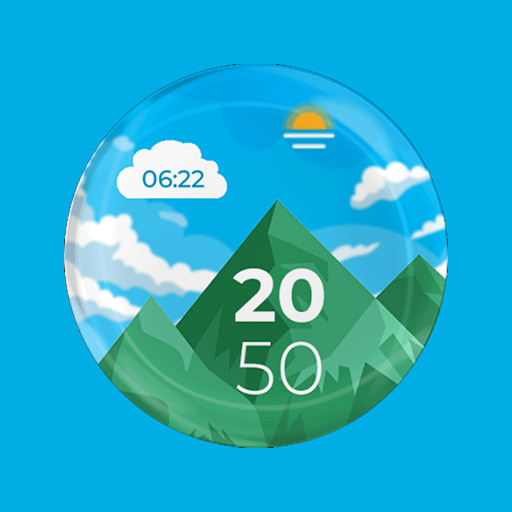
Mountain View Watch Face - F02
Introducing the Mountain View Watch Face for Wear OS 🕰️🎨<br><br>Installation Guide: Ensure a smooth setup with this step-by-step guide: Watch [Installation Guide 📣](https://tinyurl.com/4p9rcmww).<br><br>Enjoy the specially designed Always On Display ambient mode, conserving power during idle times. Please note that this feature may consume more battery. ⚡<br><br>Manual Installation: In case of automatic installation issues, follow these steps:<br>1. Ensure your watch is connected to Wi-Fi. 📶<br>2. Visit the Play Store on your watch. 🛒<br>3. Tap "More on devices" (if available). 📲<br>4. Click "Install" next to your watch on the list. This will immediately install the watch face. 🔄<br>5. If you encounter issues, wait for up to 1 hour for the "Install" button to reset. ⏳
Ad · slot