Loading app details…
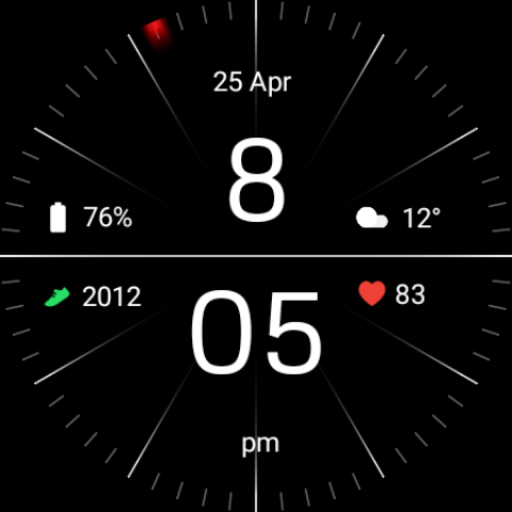
Minimal Black Watch Face
Installing Regarder Minimal Black watch face is easy:<br><br>Just open the Mobile Companion app and follow the instructions there.<br>In case this does not work. You can use a PC and install it from there<br><br>If this option still does not work you can install the watch face from your wear OS Device, here are the instructions:<br><br>1. On your Wear OS smartwatch, open the Google Play Store.<br>2. Search for "Regarder Minimal Black" and select the app from the search results.<br>3. Tap "Install" to begin the installation process.<br>4. Once the installation is complete, you can find the watch face in the "Watch Faces" section of your smartwatch's settings.<br>5. Select Regarder Minimal Black as your active watch face.
Ad · slot