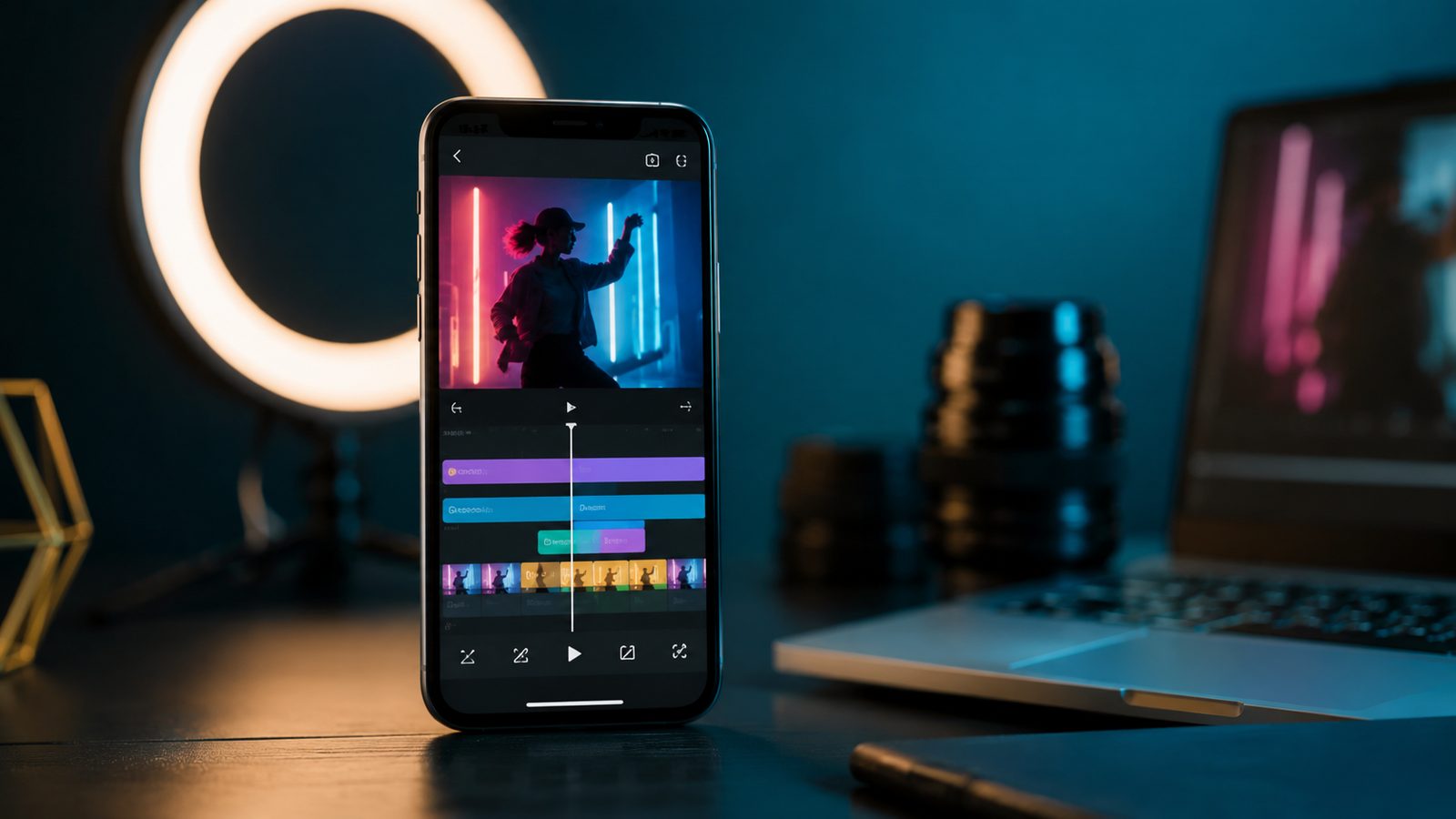
Short-form video is not a niche format anymore. More than 2 billion people interact with Instagram Reels every month, and Meta’s own numbers show over 200 billion Reels played across Instagram and Facebook each day. On the creator side, 91 percent of marketers report they already use or plan to use short-form video in their content strategy, which is why the phone in a creator’s hand matters almost as much as the app on it.
CapCut and InShot are the two mobile editors that keep coming up for anyone cutting vertical clips for TikTok, Reels, or YouTube Shorts. Both trim, add captions, layer music, and export in the 9:16 frame these platforms expect. But they come from different starting points: CapCut grew out of ByteDance’s own TikTok tooling and leans into AI-assisted editing and templates, while InShot started as a lighter general-purpose mobile editor and has stayed closer to that simplicity. Picking between them comes down to how much editing depth you actually need and how much you are willing to pay for it.
This comparison looks at the features that matter for short-form creators specifically: templates and auto-captions, effects and transitions, export quality and watermark rules, pricing for the free and Pro tiers, performance on a mid-range phone, and the ownership question that keeps coming up around CapCut. The goal is a straight answer on which one to install first, not a shootout of every button in either app.
The Real Challenges Creators Run Into
- Watermarks eating into a finished export. Free tiers on both apps can quietly attach a watermark, and it is not always obvious until after the file is already rendered.
- Templates that fight the platform’s aspect ratio. A template built for one platform’s crop does not always translate cleanly to another's safe zones for captions and UI overlap.
- Auto-caption accuracy on noisy audio. Both apps generate captions automatically, but background noise, accents, and music under dialogue still produce errors that need manual cleanup.
- Export time and heat on mid-range phones. Longer clips with heavy effects or 4K export can push a budget phone's processor hard enough to slow down or throttle mid-render.
- Subscription pricing that is easy to lose track of. Both apps sell yearly plans as the default checkout option, and it is easy to end up paying for a Pro tier's full feature set when only one or two tools were actually needed.
Quick Comparison
Here is how CapCut and InShot stack up on the factors that matter most for editing Reels and TikTok content.
| Factor | CapCut | InShot |
|---|---|---|
| Best for | Trend-driven editing with AI tools and templates | Fast, simple edits for beginners |
| Free tier watermark | None by default on original projects; templates can add one | Watermark on export unless removed via ad or Pro |
| Auto-captions | Yes, with style presets and animated text | Yes, more basic styling options |
| Max export resolution | Up to 8K on Standard and Pro tiers | Up to 4K at 60fps |
| Pro monthly price | $19.99/mo, $179.99/yr (web checkout) | $4.99/mo, $19.99/yr, $49.99 lifetime |
| AI toolkit depth | Auto captions, background remover, AI video/image/music tools | AI effects, auto captions, AI background removal |
| App size and performance load | Heavier install and RAM footprint | Lighter, better fit for older mid-range phones |
| Parent company | ByteDance (also owns TikTok) | InShot Inc. |
Templates and Trend-Chasing
CapCut's biggest advantage for TikTok and Reels specifically is its template library. Because CapCut is built by ByteDance, many trending TikTok effects ship as ready-made CapCut templates within days of going viral, and applying one is mostly a matter of dropping in your own clips. That tight loop between TikTok trends and CapCut templates is the main reason it has become the default app for creators chasing a specific sound or transition style.
InShot's template library is smaller and updates less aggressively around platform-specific trends. It works better for creators who want a consistent personal style clip to clip rather than jumping on whatever effect is trending that week. If your workflow depends on recreating a trend fast, CapCut has the edge; if you already know the look you want, InShot gets you there with less menu digging.
Editing Depth and the AI Toolkit
CapCut's Pro tier unlocks an AI suite that includes an auto caption generator, background remover, motion tracking, noise reduction, and generative AI tools for video, music, and images, according to CapCut's own Standard vs Pro comparison page. Keyframe animation, multi-track timelines, and chroma key are available even on the free tier, which is a meaningful amount of depth before any payment is involved.
InShot covers the same core categories, including AI effects, auto captions, and AI background removal, plus keyframe editing, chromakey, and picture-in-picture layering, per its App Store listing. The feature checklist looks similar on paper, but InShot's interface groups fewer tools per screen, which makes it faster to learn and slightly more limited once you want granular control like precise motion tracking.
Export Quality and Watermarks
Export resolution favors CapCut on the spec sheet: its comparison page states both Standard and Pro users can export at up to 8K, while InShot's listing tops out at 4K at 60fps. In practice, this ceiling matters less than it looks, since TikTok, Reels, and Shorts all re-compress uploaded video on their end regardless of the source file's resolution.
Watermarks are the more practical concern. CapCut's own help documentation confirms a project built from scratch, without a trending template's branded ending clip, exports watermark-free on the free tier. InShot takes the opposite default: its App Store description states plainly that "watermark and advertisements will be removed automatically" once you subscribe to Pro, meaning the free tier watermarks every export unless you sit through an ad first. For anyone exporting frequently, that is a real daily friction point CapCut's free tier avoids by design.
Pricing: CapCut Pro vs InShot Pro
The price gap between the two Pro tiers is large. CapCut's pricing page lists Pro at $19.99 a month or $179.99 a year through web checkout, with in-app purchase prices running higher on iOS and Android due to platform fees. CapCut also sells a mid-tier Standard plan at $9.99 a month for creators who want some premium assets without the full AI suite.
InShot is priced far lower across the board. Its official App Store listing shows InShot Pro at $4.99 a month, $19.99 a year, or a one-time $49.99 lifetime purchase, which is less than one month of CapCut Pro at the web rate. If budget is the deciding factor and you do not need CapCut's AI toolkit or 8K export, InShot Pro's lifetime option is the better value by a wide margin.
Performance on Mid-Range Phones
CapCut's larger feature set comes with a heavier footprint. Its AI tools, expanded template library, and multi-track timeline ask more of a phone's processor and memory, and creators on older or budget Android devices report longer render times and occasional slowdowns during 4K or 8K exports with multiple effects layered in.
InShot's smaller, more focused toolset runs noticeably lighter. It installs smaller, opens faster, and handles quick trims and single-track edits without taxing older hardware as hard. If you are editing on a phone that is a few years old rather than this year's flagship, InShot is the more forgiving choice day to day.
Ownership and the CapCut Regulatory Question
CapCut is owned by ByteDance, the same company behind TikTok, and that connection is not just trivia. Both apps were briefly removed from US app stores on January 19, 2025, under the Protecting Americans from Foreign Adversary Controlled Applications Act before enforcement was delayed. TechTarget's coverage of the divestiture saga confirms CapCut falls under the same regulatory scope as TikTok, and that a January 22, 2026 restructuring created a new joint venture, TikTok USDS Joint Venture LLC, in which ByteDance retains a minority stake under 20 percent while Oracle, Silver Lake, and MGX each hold roughly 15 percent.
InShot has no comparable ownership question. It is developed by InShot Inc., a company with no ties to a foreign-adversary designation, so it carries none of the regulatory uncertainty that has periodically put CapCut's US availability in question. That does not mean CapCut is unsafe to use today, since it remains available and covered by the joint venture's stated data safeguards, but it is a real difference for anyone who wants to avoid rebuilding their editing workflow around a future policy change.
The Verdict
For most creators editing TikTok, Reels, or Shorts content regularly, CapCut is the stronger pick. Its template library tracks trends faster than any competitor, the AI toolkit covers more ground, and the free tier exports without a watermark by default. The tradeoff is a steeper learning curve, a heavier app, and a Pro subscription that costs roughly four times what InShot charges.
CapCut pluses:
- Fastest access to trending TikTok-native templates and effects
- No watermark on free-tier exports built from scratch
- Deeper AI toolkit: background remover, motion tracking, AI video and music generation
- Up to 8K export on both Standard and Pro tiers
CapCut minuses:
- Pro tier costs $19.99/mo, far more than InShot Pro
- Heavier app that can slow down on older mid-range phones
- Owned by ByteDance, carrying lingering US regulatory attention
- Steeper learning curve for a first-time editor
InShot is the better call for beginners, casual posters, and anyone editing on an older phone. It is faster to learn, lighter to run, and its Pro tier is inexpensive enough that the lifetime option pays for itself within a few months compared to CapCut.
InShot pluses:
- Simple, beginner-friendly interface with a shorter learning curve
- Pro tier costs a fraction of CapCut's, with a $49.99 lifetime option
- Lighter app that performs better on older or budget hardware
- No ownership or regulatory questions attached to the developer
InShot minuses:
- Free tier watermarks every export unless you watch an ad first
- Smaller, slower-updating template library for trend-chasing
- Export resolution caps at 4K versus CapCut's 8K
- Less granular AI toolset for advanced editing needs
How to Pick the Right Editor for Your Content
If you post multiple times a week and need to move fast on whatever effect is trending that day, CapCut's template pipeline and deeper AI tools are worth the learning curve and the higher Pro price. Power users producing multi-layer edits with tracked motion and generative assets will get more mileage out of CapCut's feature depth too.
If you are just starting out, posting occasionally, or editing on a phone that is a few generations old, InShot gets you a clean, watermark-free-enough result faster and for far less money. Its lifetime purchase option also removes the recurring subscription question entirely, which matters if you are not sure how long you will keep posting.
These are not the only two contenders worth weighing. Our comparison of VN, CapCut, and KineMaster brings a third, more editing-focused option into the mix if neither CapCut nor InShot feels like the right fit.
Whichever editor you land on, the app itself is only half the equation. If your phone is on the older side, pairing either editor with genuinely lightweight companion apps keeps the whole workflow from bogging down; our list of lightweight Android apps for old phones is a good next stop for that. Whichever app you pick, it pays to keep an eye on creative-app subscription costs alongside everything else you are paying for monthly.
For the same treatment applied to other pairs, browse our Android app comparisons — messaging, browsers, password managers and productivity tools, each judged on the same criteria.