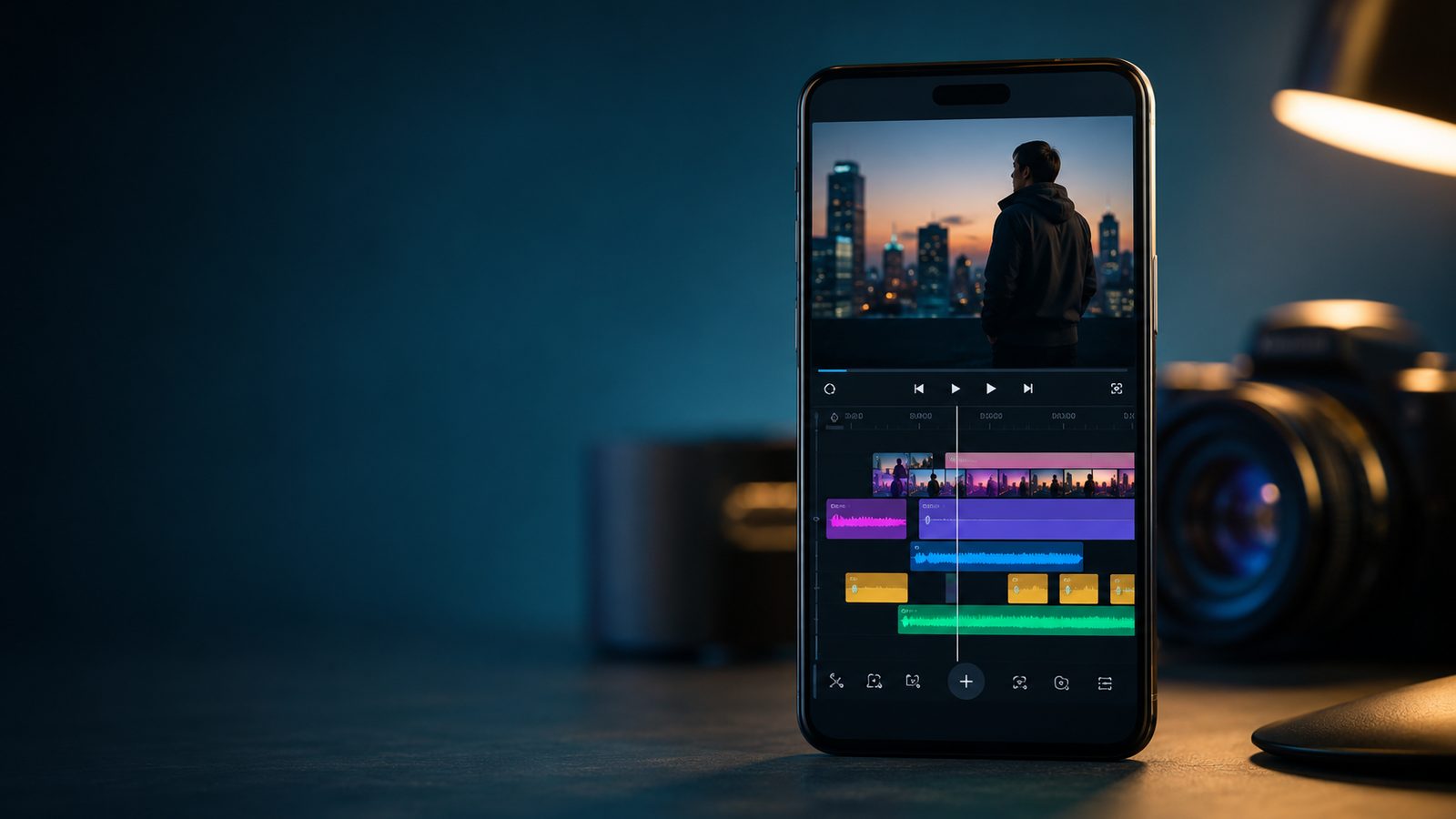
Short-form video keeps pulling new editors onto their phones instead of a desktop timeline. CapCut alone had passed 1 billion Android downloads by Q3 2024. Separate industry tracking shows short-form video under 60 seconds grew 52 percent in a single year, accounting for 38 percent of all video content produced globally. That growth is why the app you pick for Reels and TikTok now matters as much as the phone shooting the footage.
VN, CapCut, and KineMaster are the three mobile editors that come up most often in that search. VN built its name on a clean, no-watermark free tier with a genuine multi-track timeline. CapCut leans on ByteDance's trend pipeline and a growing AI toolkit. KineMaster is the veteran of the group, known for the deepest audio and layering controls of any free-to-download mobile editor. Each one edits vertical video well, but they diverge hard on the details that decide whether an export is actually usable without paying.
This comparison focuses on what a Reels or TikTok creator runs into in practice. That means the free-tier watermark rules, how each app handles a longer non-short-form project, and how good the chroma key actually is. It also covers how deep the audio tools go and what the paid tier costs once the free version stops being enough.
The Real Challenges Creators Run Into
- A watermark that only shows up after export. Free tiers do not all treat watermarks the same way, and finding out after rendering a 4K file wastes real time.
- Longer projects bogging down on a phone. A 60-second Reel is easy for any of these apps, but a 15-minute vlog cut or a multi-scene project can slow a mobile timeline to a crawl.
- Green screen footage that looks obviously fake. Cheap chroma key with visible edges or color spill undoes an otherwise clean edit fast.
- Dialogue buried under music or room noise. Not every app gives you real control over ducking, EQ, or noise removal, so bad audio often just ships as-is.
- Subscription pricing that is easy to lose track of. Three different apps means three different renewal dates, and it is easy to keep paying for a tier you stopped needing months ago.
Quick Comparison
Here is how VN, CapCut, and KineMaster stack up on the factors that decide whether a free export is actually usable.
| App | Free-tier watermark | Max free export | Chroma key | Audio tools | Pro price |
|---|---|---|---|---|---|
| VN (our pick) | None, on standard exports | 4K at 60fps | One-tap cutout, basic controls | Music, voiceover, denoise | Monthly/annual IAP, check App Store |
| CapCut | None on original projects; some templates add one | Roughly 1080p on most devices, higher on paid tiers | AI background remover, auto keying | EQ, AI noise removal, voice enhancer | $9.99/mo Standard, $19.99/mo Pro |
| KineMaster | Yes, on every free export | 1080p | Manual keying with sensitivity and edge refinement | Multi-track ducking, EQ, voice changer | $7.99/mo or $51.99/yr |
Watermarks and Free-Tier Export Limits
VN is the outlier here in the best possible way. Its own App Store listing markets the app as professional editing that is "free with no watermark," and that holds for standard exports up to 4K at 60fps, not a crippled preview mode. There is no ad to sit through and no forced branding at the end of the clip.
CapCut's free tier is nearly as clean for original projects built from your own footage, but resolution is where it gets device-dependent. CapCut's own help documentation confirms that 2K and 4K export availability depends on your device's hardware, app version, and whether CapCut's performance safeguard auto-downgrades the project to protect against crashes. In practice, that means a mid-range phone often lands closer to 1080p even before a subscription enters the picture.
KineMaster takes the opposite approach: every free-tier export carries a visible watermark, full stop. KineMaster's own payment page lists watermark removal as a Premium benefit alongside ad removal and unlimited premium assets, so budget-conscious creators know that cost upfront rather than discovering it after editing.
Long-Form Editing and Timeline Depth
All three apps handle a 15 to 60-second Reel without breaking a sweat. The gap shows up once a project runs longer or stacks more tracks. VN's multi-track timeline gives independent control over opacity, position, scale, and timing on every layer. It also stays responsive on projects well past short-form length, which is why several workflow reviews single it out as the faster mobile option for anything under roughly 30 minutes.
CapCut's interface is built around templates and quick trims first, so a longer project with many manual cuts feels heavier to navigate than VN's timeline, even though the underlying editing tools are there. KineMaster handles layering precisely but tends to slow down once a project stacks several video, audio, and overlay tracks at once, which matters more for a longer edit than a 30-second clip.
None of the three is a real replacement for desktop software once a project runs past 30 to 40 minutes of 4K footage. For that range, all three start handing rendering duties off better to a laptop. But for the vlog-length or multi-scene edits a lot of creators actually shoot, VN's timeline is the one that keeps up the longest on a phone.
Chroma Key and Layering
KineMaster has the most capable green screen tool of the three. Its chroma key includes sensitivity adjustment and edge refinement controls that let you dial in a clean key on uneven lighting. That is the kind of manual control that separates a usable green screen shot from an obviously fake one.
CapCut's chroma key leans on AI background removal that works well for quick one-tap results but offers less manual fine-tuning when the footage is not shot under ideal lighting. VN's version is closer to a simple cutout tool: fast and good enough for basic background swaps, but it lacks the sensitivity sliders that make KineMaster's key hold up on harder footage.
If chroma key quality is the deciding factor for your content, KineMaster earns the extra menu-digging. For everyone else doing an occasional background swap rather than regular green screen work, VN's one-tap version is fast enough not to slow the edit down.
Audio Editing and Sound Design
KineMaster wins this category outright. It supports multi-track audio with ducking, a real equalizer, and a voice changer, giving it more genuine sound-design control than either competitor. For a creator layering voiceover, music, and ambient sound across a longer video, that depth is hard to replace.
CapCut covers similar ground with an equalizer, AI-driven noise removal, and a voice enhancer, and its automated tools do a solid job of cleaning up dialogue without much manual adjustment. VN's audio tools are the most basic of the three: you can add music, adjust levels, record voiceover, and apply denoise, but there is no dedicated EQ or ducking control built in.
For a quick Reel with a trending audio track, VN's basic toolkit is plenty. For anything relying on clean spoken dialogue over music, KineMaster's ducking and EQ close a real gap the other two leave open.
Pricing: VN Pro vs CapCut Pro vs KineMaster Premium
VN Pro is sold as a monthly or annual in-app subscription through the App Store; the exact price has shifted over time and sources disagree on the current figure, so check the app's current App Store listing before subscribing rather than relying on a fixed number. It mostly unlocks extra fonts, effects, and cloud project storage rather than core editing tools that are already free. KineMaster Premium runs $7.99 a month, with a discounted yearly rate around $51.99 on KineMaster's own payment page. Unlike VN's subscription, though, that fee is doing real work: it removes the watermark every free export carries.
CapCut is the most expensive of the three by a wide margin. CapCut Pro runs $19.99 a month or $179.99 a year through web checkout, with a $9.99 Standard tier in between for creators who want some premium assets without the full AI suite. If you want the deeper breakdown of what that Pro tier actually buys against a lighter competitor, our CapCut vs InShot breakdown covers that trade-off in detail.
The Verdict
VN is the strongest overall pick for most Reels and TikTok creators. It is the only one of the three that is genuinely free with no forced watermark. It also exports at 4K without a subscription, and its timeline holds up on longer edits better than the other two. Its weak point is audio depth, where it trails both competitors.
VN
Wins:
- No watermark on free exports, ever
- 4K export at 60fps included in the free tier
- Fast, uncluttered interface with a real multi-track timeline
- Handles longer projects better than CapCut or KineMaster on mobile
Watch-outs:
- Basic audio tools with no dedicated EQ or ducking
- Chroma key is a simple cutout, not a fine-tunable key
- Smaller template library than CapCut for trend-chasing
CapCut
Wins:
- Fastest access to trending TikTok-native templates and effects
- AI toolkit covers noise removal, voice enhancement, and background swaps well
- No watermark on original projects built from your own footage
Watch-outs:
- Most expensive Pro tier of the three at $19.99 a month
- 4K export depends heavily on device hardware, not guaranteed on the free tier
- Heaviest app of the three, which can slow down older mid-range phones
KineMaster
Wins:
- Deepest audio toolkit: multi-track ducking, EQ, and a voice changer
- Most capable chroma key, with sensitivity and edge refinement controls
- 1080p export included even on the free tier
Watch-outs:
- Every free-tier export carries a visible watermark
- Interface gets menu-heavy once a project uses several tracks
- Slows down more than VN on longer, layered projects
How to Pick the Right Editor for Your Content
If you post Reels or TikToks regularly and want a clean export without paying anything, install VN first. It is the only one of the three that does not put a watermark or a resolution ceiling between you and a finished 4K file.
If your channel leans on trending audio and effects and you are already comfortable paying a subscription, CapCut's template pipeline is worth the extra cost. If your content depends on clean voiceover mixed with music, or you shoot regular green screen segments, KineMaster is worth a look too. Its audio and chroma key tools are strong enough to justify sitting through the watermark until you upgrade.
Whichever app you land on, the subscription question does not stop at one editor. Once you are paying for stock music, fonts, or cloud storage on top of a Pro tier, costs add up fast. It helps to keep an eye on creative-app subscription costs before they stack up across three or four different renewal dates.
For the same treatment applied to other pairs, browse our Android app comparisons — messaging, browsers, password managers and productivity tools, each judged on the same criteria.