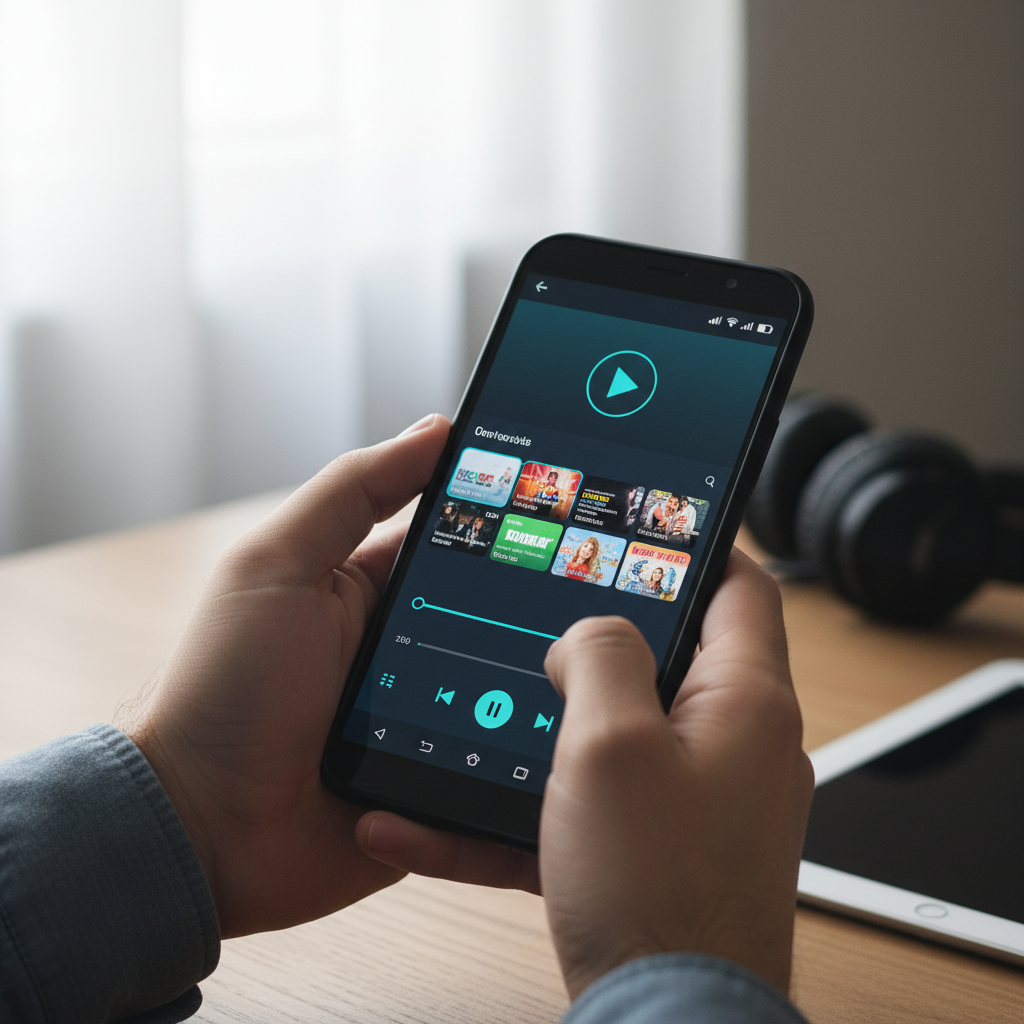
Android ships with a basic video player, and most people outgrow it within a week. Modern phones shoot 4K HDR footage, downloads arrive in MKV and HEVC containers, and the stock player chokes on half of them. Video already accounts for the majority of mobile data traffic, with industry forecasts putting it at more than 73 percent of all mobile data, and Android holds roughly 71 percent of the global mobile market. That is a lot of people who need a player that simply plays everything.
A good video player handles any codec, supports subtitles and gesture controls, and does not bury features behind a subscription. This roundup ranks ten of the best Android video players for 2026, with their real Play package names, what each does well, and where each falls short, so you can stop fighting "unsupported format" errors for good.
| Source / Player | Best For | Format Support | Price |
|---|---|---|---|
| APK Store (verified source) | Clean, scanned downloads | N/A | Free |
| VLC for Android | Plays everything, open source | Near universal | Free |
| MX Player | Hardware decoding, gestures | Wide | Free, paid Pro |
| MPV / mpv-android | Power users, high quality | Near universal | Free |
| VivePlayer (formerly Vimu) | Android TV | Wide | Free, paid |
| Just (Video) Player | Minimalists | Wide (ExoPlayer) | Free |
| KMPlayer | Cloud and streaming | Wide | Free, ads |
| Plex | Home media library | Wide | Free, Plex Pass |
Challenges of Picking an Android Video Player
The "just play my files" promise hides a few snags worth knowing before you install.
- Codec gaps. Some players rely only on the device's hardware decoders, so a file in HEVC or AV1 may stutter or fail on phones that lack hardware support.
- Ad clutter. Several popular free players push full-screen ads or bundle content feeds you did not ask for.
- Subtitle headaches. Not every player auto-loads external subtitle files or handles right-to-left scripts and complex encodings cleanly.
- Fake installers. "MX Player Pro" and similar searches surface repackaged APKs loaded with adware, so the source matters as much as the app.
The 10 Best Android Video Players in 2026
1. VLC for Android (org.videolan.vlc)
The open-source benchmark. VLC plays nearly any container and codec through software decoding, handles network streams, and never shows an ad. It is the safe default recommendation for most people.
Best for: anyone who wants one player that opens everything. Strengths: universal format support, fully free and open source, no ads. Limitations: the interface is functional rather than slick. Grab a clean build from the APK Store listing.
2. MX Player (com.mxtech.videoplayer.ad)
A longtime favorite for its hardware-accelerated decoding, pinch-to-zoom, gesture brightness and volume, and excellent subtitle handling. The free version carries ads; the Pro version removes them.
Best for: users who want polished gesture controls. Pros: smooth playback, strong subtitle support, intuitive gestures. Cons: ads in the free build and a content feed some find intrusive.
3. mpv-android (is.xyz.mpv)
A mobile port of the respected mpv player. It favors high-quality rendering and deep configurability over hand-holding, which power users love.
Best for: tinkerers who want top playback quality. Advantages: excellent rendering, open source, highly configurable. Disadvantages: a bare interface and a learning curve.
4. VivePlayer (com.vimu.player)
Built with big-screen playback in mind, this player shines on Android TV and tablets with broad format support and network streaming.
Best for: Android TV and tablet users. Upsides: TV-friendly interface, wide format coverage, network playback. Trade-offs: some features sit behind a paid unlock.
5. Just (Video) Player (com.brouken.player)
A clean, ad-free player built on ExoPlayer for people who want to tap a file and watch it with zero clutter or accounts.
Best for: minimalists. Benefits: no ads, no tracking, simple and fast. Drawbacks: fewer advanced features than VLC or MX.
6. KMPlayer (com.kmplayer)
A capable free player with cloud integration, streaming support, and a tidy library view. Handy if you keep media across services.
Best for: people juggling cloud and local video. Highlights: cloud links, wide format support, clean library. Watch-outs: ads in the free version.
7. Plex (com.plexapp.android)
More than a player, Plex organizes a home media server into a streaming-style library with metadata, posters, and multi-device sync.
Best for: users with a personal media collection. Strengths: beautiful library, cross-device sync, remote access. Limitations: needs a server, and some features require Plex Pass.
8. Archos Video Player (com.archos.mediacenter.videofree)
A long-standing player with automatic media library scanning, subtitle download, and network sharing support.
Best for: users who want auto-organized libraries. Pros: media scraping, subtitle fetch, network playback. Cons: dated interface and slower updates.
9. Pi Video Player (it.dbdev.studios.pivideoplayer)
A lightweight player focused on speed and simplicity, with gesture controls and a small footprint that suits older phones.
Best for: low-end devices. Benefits: light, fast, gesture controls. Drawbacks: fewer features and limited codec depth versus VLC.
10. nPlayer (com.newin.nplayer.nas)
A premium-leaning player popular for network and NAS streaming, with strong subtitle and audio track handling.
Best for: NAS and network streaming. Upsides: excellent network support, fine subtitle control, broad format coverage. Trade-offs: the full feature set is paid.
How to Choose the Right Video Player for You
If you want one app that opens any file without fuss, VLC is the obvious starting point: free, open source, ad-free, and nearly format-proof. Choose MX Player if gesture controls and subtitle polish matter most to you, and accept the ads or buy Pro. Power users who chase rendering quality should reach for mpv-android, while anyone with a home media collection will get more from Plex than from a plain player. On an older or budget phone, lean toward lightweight options like Just (Video) Player or Pi Video Player that decode efficiently. Whichever you pick, install it from a source that signature-pins and scans its files, because "Pro" and "premium unlocked" video players are a favorite disguise for adware. Verified builds are listed in the APK Store verified library, and you can read more in our guide on how to check any APK for malware.
Frequently Asked Questions (FAQs)
What is the best free video player for Android?
VLC for Android is the strongest free option for most people. It plays nearly every format through software decoding, supports subtitles and network streams, and shows no ads. MX Player is a close second if you prefer its gesture controls.
Which Android video player handles every format?
VLC and mpv-android come closest to universal support because they use software decoding when hardware decoders fall short. That lets them play HEVC, AV1, MKV, and obscure containers that the stock player rejects.
Are "Pro" or "premium unlocked" video player APKs safe?
Treat them with suspicion. Cracked "Pro" builds are a common wrapper for adware and trojans. If you want a paid feature set, buy it from the developer, or download the genuine free version from a source that signature-pins and scans every file.
Why does my video stutter in some players but not others?
Stutter usually comes from a codec your phone cannot decode in hardware. Players like VLC fall back to software decoding to keep playback smooth, while players that rely only on hardware may struggle with HEVC or AV1 files.
Can these players load external subtitles?
Most can. VLC, MX Player, and nPlayer auto-detect subtitle files placed beside the video and let you adjust timing and styling. Drop the .srt or .ass file in the same folder with a matching name and the player should pick it up.